What Is a DNS TXT Record and Why It Matters for Email Deliverability
Estimated reading time: 7 minutes
A DNS TXT record holds text that anyone can look up for your domain. For email senders, that text carries real weight: SPF, DKIM, and DMARC are all published as TXT records, and mailbox providers read them to decide whether a message from your domain is genuine. One wrong character in these records can send legitimate mail to spam.
Below is how TXT records are built, which ones affect deliverability, and the errors that come up most often.
Key takeaways
- TXT records store text on a domain or subdomain. Their main uses today are email authentication and domain ownership verification.
- SPF, DKIM, and DMARC all live in TXT records, so an error in one of them shows up as an authentication failure.
- A domain can have many TXT records, but only one SPF record and one DMARC record.
- Each string in a TXT record holds up to 255 characters. Longer values, such as 2048-bit DKIM keys, are split across several strings.
What is a DNS TXT record?
A TXT record attaches free-form text to a domain name. It was part of the original DNS specification (RFC 1035) and was intended for notes that people would read. Today it mostly carries data for software: authentication policies, public keys, and ownership tokens. Because every DNS provider supports TXT, new standards can use it instead of waiting for a record type of their own.
A domain can have any number of TXT records, on the root domain or on subdomains such as _dmarc.example.com. This is how an SPF record looks in a DNS lookup:
example.com. 3600 IN TXT "v=spf1 include:_spf.google.com ~all"
How TXT values are structured
Most TXT formatting errors come down to four rules:
- Strings max out at 255 characters. Strictly, 255 bytes. One record can hold several strings, each in its own quotes.
- Long values are split, then rejoined. A 2048-bit DKIM key is about 400 characters, so it’s published as two or more strings in one record. SPF and DKIM verifiers join the strings without adding spaces, so it doesn’t matter where the split falls. Some DNS panels split long values automatically; others expect you to do it.
- Several strings are not several records. Strings inside one record form a single value. Separate records with the same name stay separate. One long SPF record split into strings is valid; two SPF records on the same domain are not.
- Each protocol has its own syntax. There’s no shared format inside the value. Most standards start with a version tag, such as v=spf1 or v=DMARC1.
A split DKIM record looks like this:
s1._domainkey.example.com. IN TXT "v=DKIM1; k=rsa; p=MIIBIjANBgkqhkiG9w0BAQEFAAOCAQ8AMIIBCgKCAQEA..." "...rest of the key"
TXT records and email deliverability
Anyone can put your domain in an email’s From line. Mailbox providers check the TXT records your domain publishes to separate your mail from forgeries, and for high-volume senders these checks are now mandatory. Since February 2024, Gmail and Yahoo have required SPF, DKIM, and a DMARC policy from bulk senders, and Microsoft began enforcing similar rules for Outlook.com, Hotmail, and Live.com in May 2025.
SPF
SPF lists the IP addresses and services allowed to send mail for your domain. Receivers check it against the domain in the Return-Path (the envelope sender), not the From address the recipient sees.
example.com. IN TXT "v=spf1 ip4:203.0.113.10 include:_spf.google.com include:sendgrid.net ~all"
Two limits cause most SPF failures:
- One record per domain. If a receiver finds two SPF records, the check ends in a permanent error (permerror).
- Ten DNS lookups. The include, a, mx, ptr, exists, and redirect terms each count, including lookups nested inside your providers’ own records. Going over ten also returns permerror.
SPF once had a dedicated record type, but RFC 7208 deprecated it in 2014. SPF policies are now published only as TXT.
DKIM
DKIM signs each outgoing message with a private key. The receiver fetches the matching public key from DNS and verifies the signature, which shows that the signing domain authorized the message and that the signed content wasn’t altered on the way.
The public key sits under a selector set by your sending platform, at selector._domainkey.yourdomain (s1._domainkey.example.com in the example above). Selectors let each service that sends for you use its own key. Some ESPs ask you to add a CNAME that points to a TXT record they host, so they can rotate keys without you editing DNS.
DMARC
DMARC ties SPF and DKIM to the From domain. A message passes when SPF or DKIM passes, and the authenticated domain aligns with the From domain. The record sets the policy for mail that fails (none, quarantine or reject) and where to send aggregate reports.
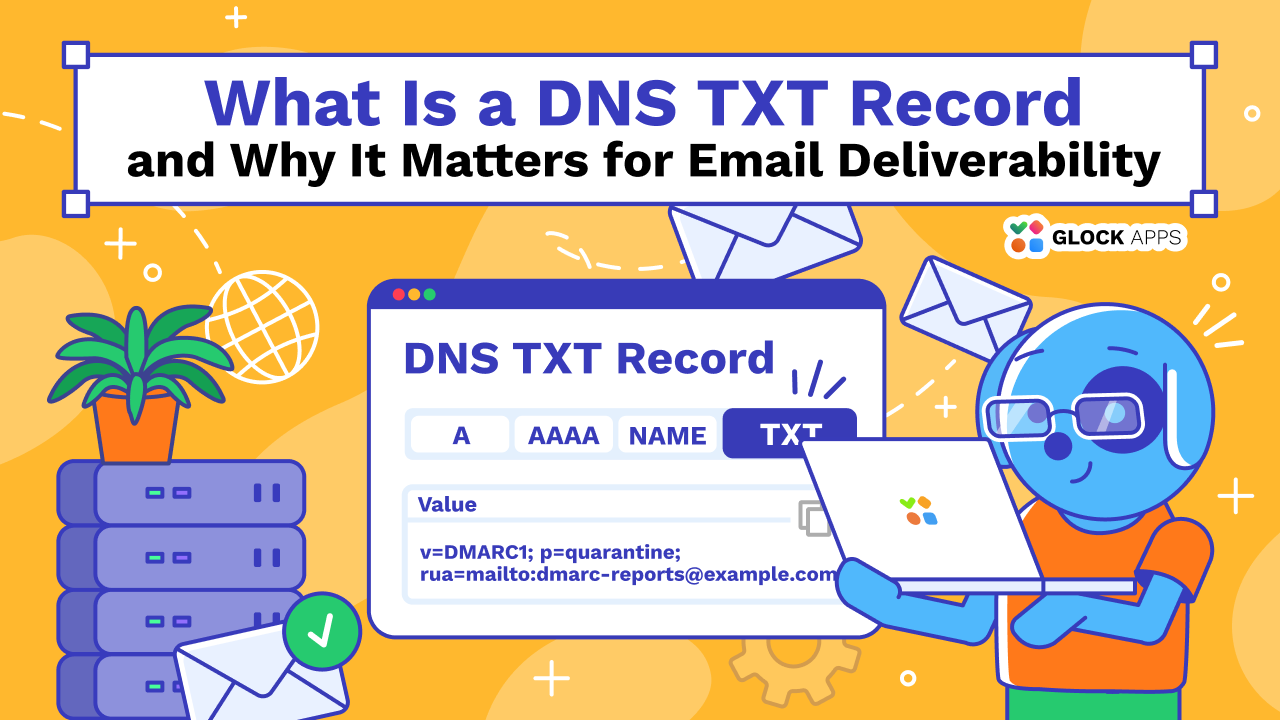
_dmarc.example.com. IN TXT "v=DMARC1; p=quarantine; rua=mailto:dmarc-reports@example.com"
Keep to one DMARC record per domain. If receivers find more than one, they skip DMARC for that domain altogether.
Other email TXT records
- BIMI (default._bimi): points to your brand logo for mailbox providers that display one. It requires a DMARC policy of quarantine or reject.
- MTA-STS (_mta-sts): signals that your domain requires TLS for incoming mail. The policy itself is a file served over HTTPS; the TXT record announces it and its version.
- TLS-RPT (_smtp._tls): tells sending servers where to report TLS problems they run into when delivering to you.
Domain verification
Many services confirm domain ownership by asking you to publish a unique token as a TXT record, such as google-site-verification=… ESPs, Microsoft 365, and certificate authorities that use ACME DNS validation (a TXT record at _acme-challenge) all work this way. Only someone with access to the domain’s DNS can add the token, which is what makes it proof of control.
Common TXT mistakes that hurt deliverability
- Two SPF records. A new tool’s setup guide says “add this SPF record”, and someone adds a second record instead of merging the new include into the existing one.
- Too many lookups. The SPF record looks fine, but nested includes push it past ten lookups.
- A doubled host name. Many DNS panels append your domain to the host field. Typing _dmarc.example.com there creates _dmarc.example.com.example.com, which no receiver will query. Enter just _dmarc.
- Damaged DKIM keys. Copying a key from a PDF, email, or chat can add spaces or line breaks or cut off characters. One missing character breaks every signature.
- Quote problems. Some panels add quotation marks for you; others expect you to type them. Text pasted from a word processor may also contain curly quotes, which DNS treats as part of the value.
- Unprotected non-sending domains. Parked domains can still be spoofed. Publish v=spf1 -all and a DMARC record with p=reject on any domain that doesn’t send mail.
- Stale includes. Entries for tools you no longer use still count toward the lookup limit and still authorize those services to send as you.
How to check your TXT records
On macOS or Linux, dig shows what resolvers return:
dig TXT example.com +short
dig TXT _dmarc.example.com +short
dig TXT s1._domainkey.example.com +short
On Windows, use nslookup -type=TXT example.com.
If you don’t want to use the command line, the GlockApps TXT Record Checker lists the TXT records published for a domain, so a duplicate SPF record or a missing DMARC entry is easy to spot.
After an edit, resolvers may serve the old value until its TTL expires. If you plan a change, lower the TTL a day ahead so the new record spreads faster.
Conclusion
TXT records are short, but for email they are how receivers confirm who you are. Keep one SPF and one DMARC record per domain, publish DKIM keys exactly as your provider supplies them, remove entries for tools you’ve dropped, and recheck DNS after every change. Before a campaign goes out, run a quick test with GlockApps to see where your emails actually land.
FAQ
Yes. Most domains have several, for SPF, DMARC, DKIM keys, and verification tokens from different services. The limit applies per protocol: a domain should have only one SPF record and only one DMARC record.
An SPF record is a TXT record whose value starts with v=spf1. SPF used to have its own record type, but it was deprecated in 2014, so SPF is now published only as TXT.
It depends on the record’s TTL. Resolvers that cached the old value keep using it until the TTL expires, which can take anywhere from a few minutes to a day or more. If a name was looked up before the record existed, resolvers may also cache that “no record” answer for a while.
Related Posts

Most teams set up DKIM once, see dkim=pass in a test message, and never think about it again. That works Read more

This article will teach you what an SPF record is and how you can create an SPF TXT record that's Read more

If you’re responsible for managing email domains, you've likely come across the need to work with SPF records. Email authentication Read more

DNS (Domain Name System) records are the important parts of DNS that store the information about a domain and its Read more