Best DMARC Reporting and Monitoring Tools to Protect Your Domain
Estimated reading time: 9 minutes
It’s no secret that email authentication isn’t optional anymore. With mailbox providers like Google and Yahoo tightening sender requirements, companies are under increasing pressure to implement DMARC correctly and continuously monitor it.
But setting up a DMARC record is only the beginning. The real challenge starts later: interpreting XML reports, identifying unauthorized senders, monitoring SPF and DKIM alignment, tracking spoofing attempts. Seems extremely overwhelming. That’s where DMARC reporting and monitoring tools become essential.
Here, we’ll talk about the best DMARC monitoring platforms available today.
Key Takeaways
- DMARC monitoring tools help you interpret authentication reports and identify unauthorized email activity.
- Pricing models vary significantly: some charge per message volume, while others charge per domain.
- Multi-domain visibility and alerting are especially important for agencies, MSPs, and growing businesses.
- Simpler dashboards and guided enforcement workflows can help with implementation complexity.
- Some tools are beginning to integrate AI-assisted workflows and conversational analytics.
What Is a DMARC Reporting Tool?
A DMARC reporting tool collects and analyzes DMARC reports generated by mailbox providers.
Instead of manually reviewing XML files, organizations can use these platforms to:
- monitor authentication activity,
- identify spoofing attempts,
- track SPF and DKIM alignment,
- discover unauthorized senders,
- troubleshoot deliverability problems,
- and gradually enforce stricter DMARC policies.
Most modern platforms also include additional authentication and security tools such as:
- SPF management,
- DKIM monitoring,
- BIMI support,
- TLS reporting,
- domain reputation monitoring,
- and alerting systems.
Top DMARC Reporting and Monitoring Tools
Here are the best tools for your DMARC monitoring and reporting needs:
1. DMARKOFF.
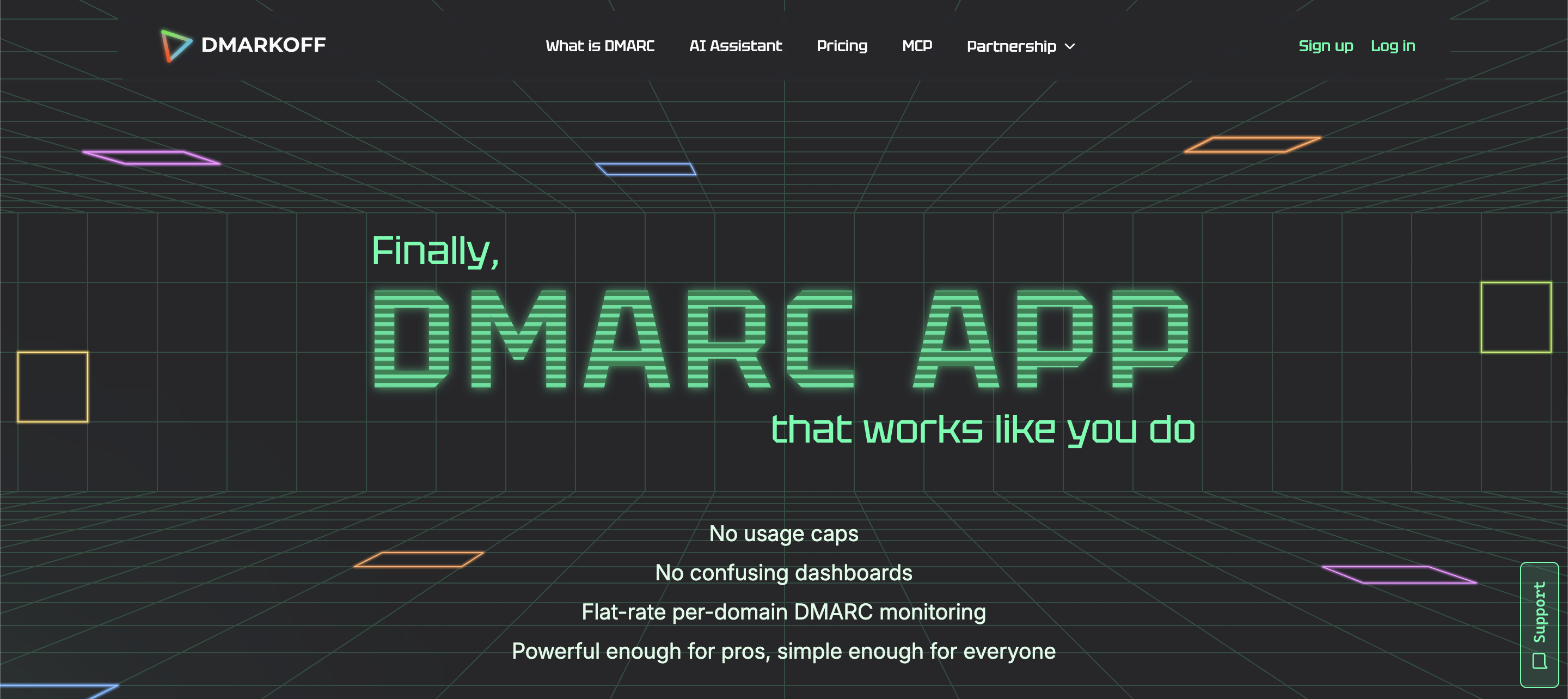
DMARKOFF is a newer DMARC analytics and monitoring platform created by the team behind GlockApps, a company long associated with email deliverability testing and inbox placement tools.
What makes DMARKOFF stand out is its attempt to simplify DMARC management for teams that find other tools overly technical or unnecessarily expensive. Instead of focusing only on raw XML reporting, the platform emphasizes visibility, collaboration, and workflow simplicity.
The tool has also introduced an MCP integration layer that connects DMARC data with AI assistants. That can allow you to query authentication data conversationally rather than manually filtering dashboards.
Key Features:
- DMARC report analysis and monitoring
- Unlimited report processing
- Multi-domain management
- An AI-powered assistant designed to make DMARC analysis and troubleshooting easier.
- Simplified dashboards and workflows
- SPF and DKIM visibility
- MCP integration for AI-powered DMARC monitoring and insights.
Key Strengths:
- Predictable per-domain pricing
- Unlimited users and report processing
- Simple interface focused on usability
- Built by a team with deep deliverability experience
- Useful for deliverability consultants, domain owners, agencies, and MSPs
Pricing Policy
DMARKOFF charges per domain rather than per user or message volume. Unlimited DMARC report processing and unlimited users are included.
This makes it easier for teams to scale without worrying about sudden cost increases tied to email traffic spikes.
2. EasyDMARC.
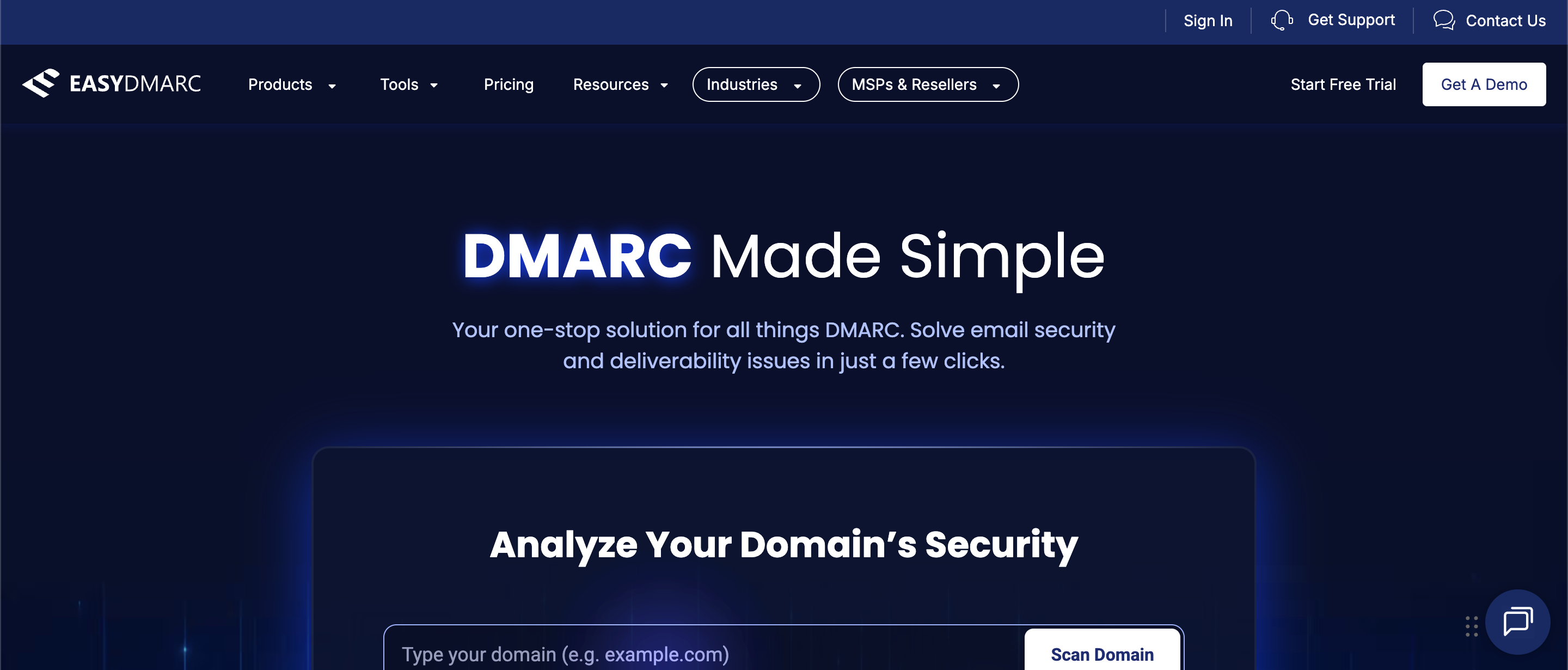
EasyDMARC is one of the most recognizable platforms in the DMARC management market.
The company focuses heavily on accessibility and ease of use, that’s why it’s particularly popular among SMBs and organizations beginning their DMARC journey.
In addition to DMARC reporting, the platform offers:
- SPF management,
- DKIM support,
- BIMI tools,
- blacklist monitoring,
- and reputation tracking.
Key Features:
- Guided DMARC implementation
- Authentication monitoring
- Reputation and blacklist tracking
- BIMI support
- Domain health visibility
- User-friendly dashboards
Key Strengths:
- EasyDMARC’s onboarding process is one of its strongest selling points.
- The platform is designed to help less technical users understand authentication issues.
- Its dashboards are polished, approachable, and easy to interpret even for smaller teams.
Pricing Policy:
EasyDMARC offers:
- a limited free plan,
- several paid subscription tiers,
- and enterprise pricing for larger deployments.
Pricing generally scales based on monitored domains and reporting
3. PowerDMARC.
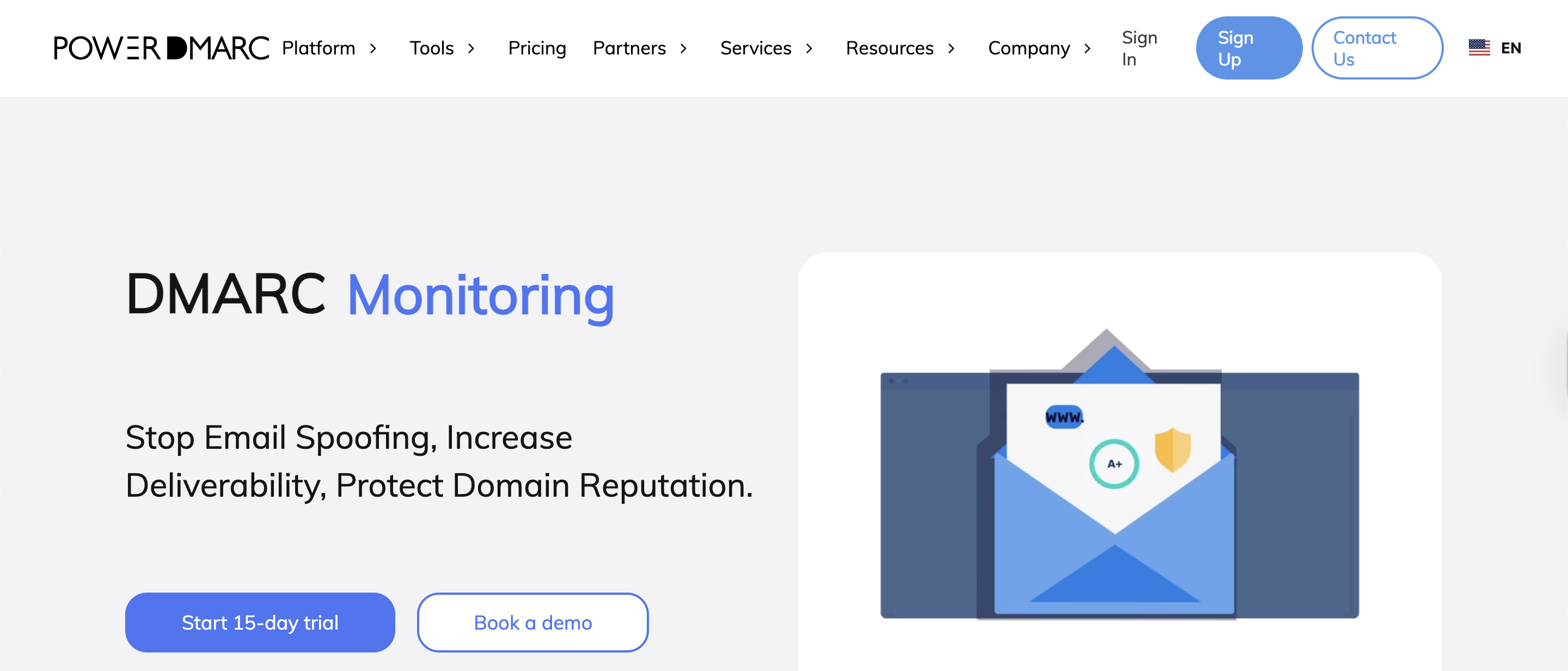
PowerDMARC is a comprehensive email authentication and domain security platform built for organizations that need more than basic DMARC reporting. Rather than functioning as a standalone monitoring tool, it operates as a full authentication ecosystem, covering everything from policy enforcement to AI-powered threat intelligence.
Key Features:
- Hosted DMARC, SPF, DKIM, BIMI, MTA-STS, and TLS-RPT management
- AI-powered threat intelligence and real-time spoofing detection
- SPF flattening and optimization
- MCP integration, enabling AI assistants to query authentication data, run diagnostics, and manage records conversationally
- Multi-tenant MSSP portal with white-labeling
- Real-time alerting and forensic reporting
- API access for custom integrations
- Compliance reporting for regulatory requirements
Key Strengths:
- PowerDMARC stands out for the breadth of its authentication stack. Rather than requiring separate tools for BIMI, MTA-STS, or SPF management, everything is handled within a single platform. This is a significant operational advantage for teams managing authentication at scale.
- The platform also takes a proactive approach to threat monitoring, flagging unauthorized senders, tracking spoofing patterns, and providing forensic-level visibility into suspicious activity.
Pricing Policy:
PowerDMARC offers:
- a free entry-level plan,
- paid subscription tiers for growing businesses,
- and dedicated enterprise and MSSP pricing for larger deployments.
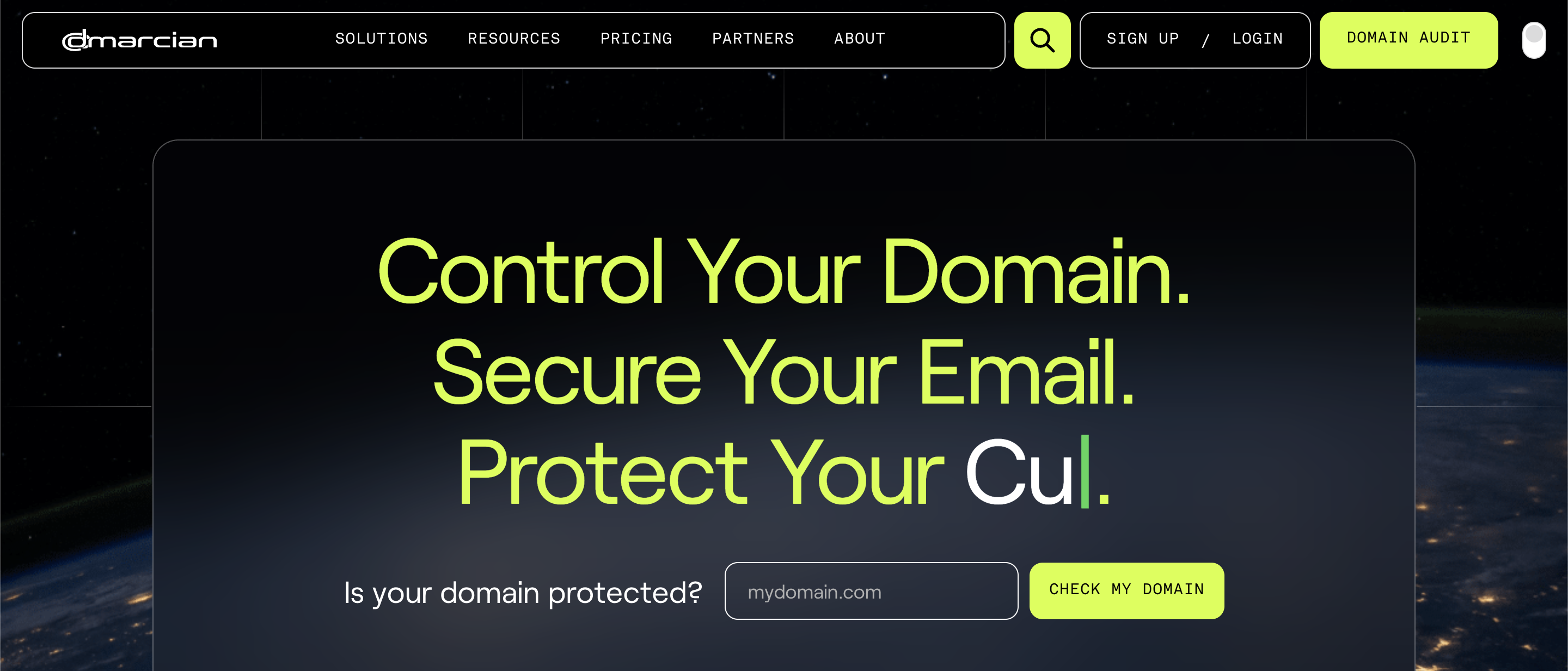
4. Dmarcian.
Dmarcian is one of the oldest DMARC platforms available. Dmarcian focuses heavily on visibility, education, and detailed authentication analysis.
Key Features:
- Deep DMARC analytics
- Forensic reporting visibility
- Authentication investigation tools
- Educational resources
- Detailed sender analysis
Key Strengths:
- Dmarcian is often preferred by technical teams that want granular insight into email authentication.
- The platform may feel more technical than some newer competitors, but many experienced users consider that depth a major advantage.
Pricing Policy:
Dmarcian offers:
- free monitoring options,
- paid subscription tiers,
- and enterprise deployments.
Pricing varies based on reporting scale and domain usage.
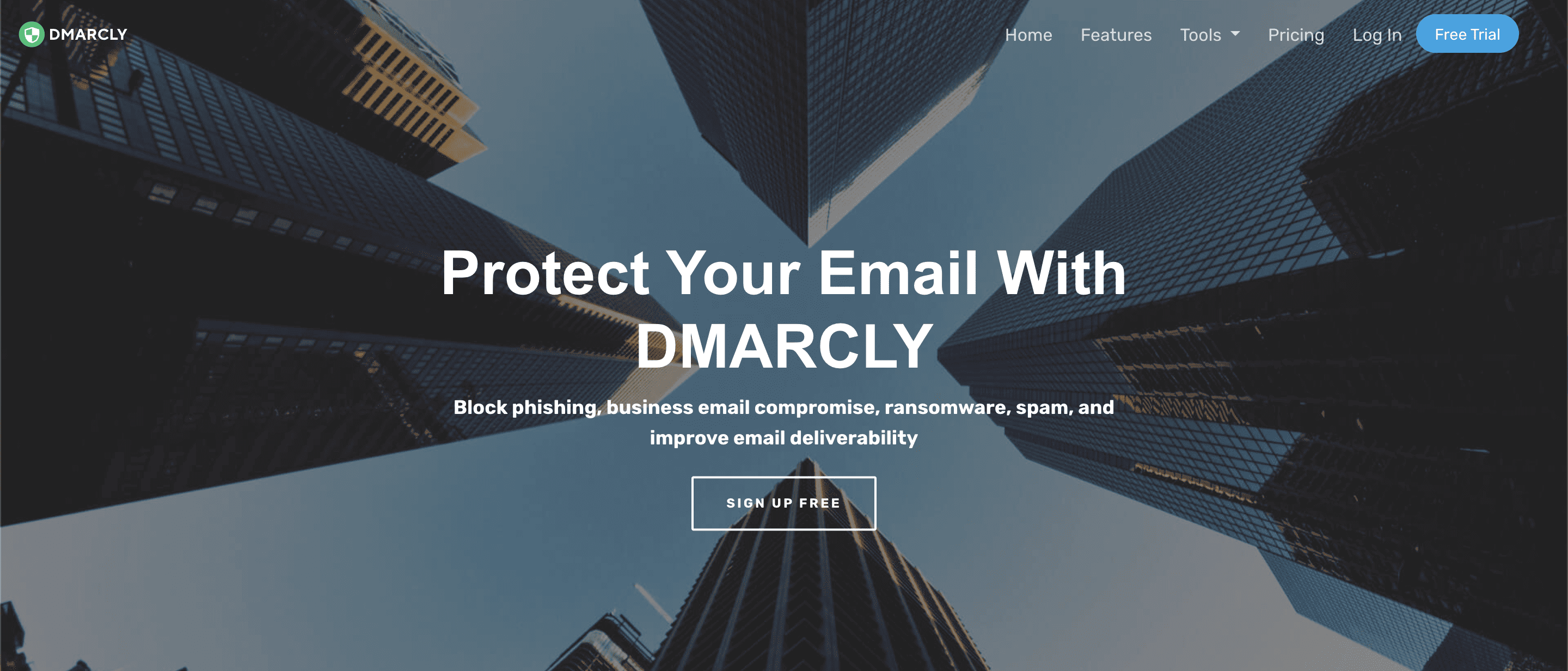
5. DMARCLY.
DMARCLY combines authentication visibility with simplified management tools.
Key Features:
- DMARC monitoring
- SPF flattening
- DKIM management
- BIMI support
- DNS management assistance
Key Strengths:
DMARCLY is particularly attractive for smaller businesses that want:
- simpler workflows,
- easier setup,
- and authentication visibility without enterprise-level overhead.
Pricing Policy:
DMARCLY uses subscription-based pricing with multiple service tiers depending on domain and usage requirements.
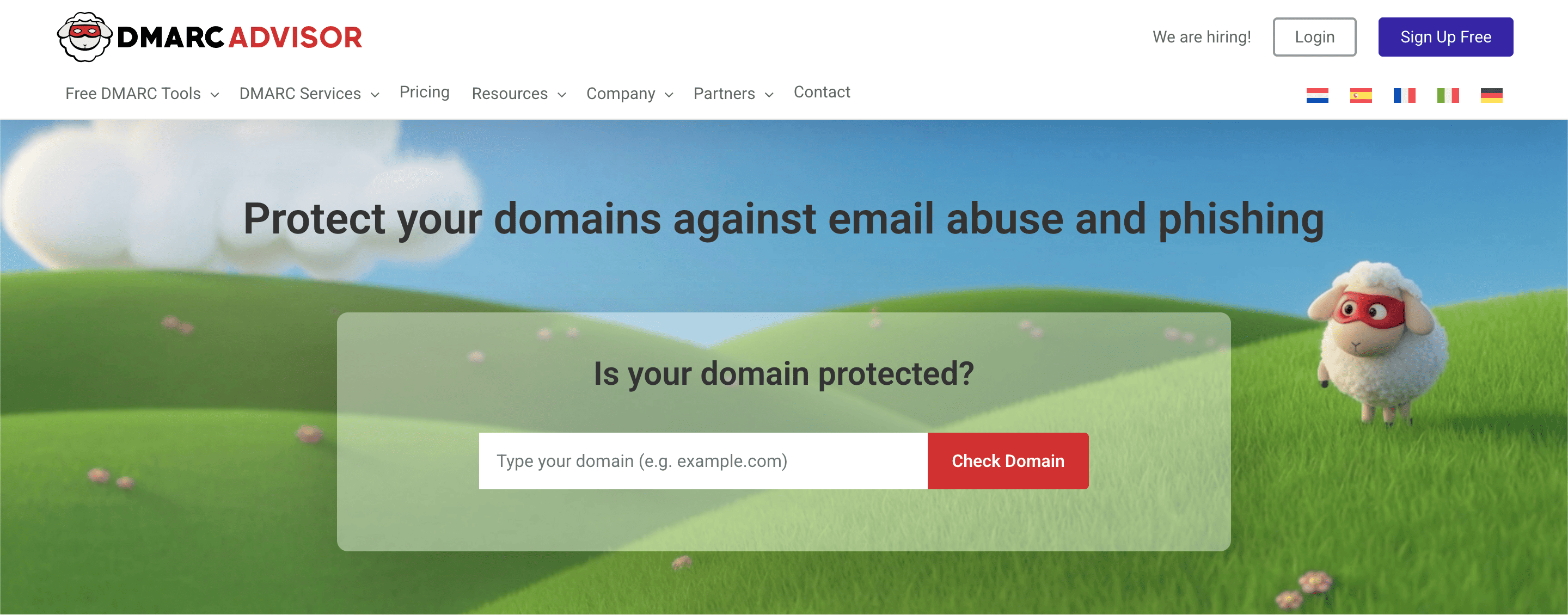
6. DMARC Advisor.
DMARC Advisor is widely known among MSPs and managed security providers.
The platform focuses strongly on multi-client management and large-scale domain monitoring.
Key Features:
- Multi-domain management
- Delegated administration
- Client-level visibility
- Reporting dashboards
- Scalable monitoring infrastructure
Key Strengths:
DMARC Advisor is particularly useful for:
- agencies,
- MSPs,
- and organizations managing authentication for multiple clients simultaneously.
Its delegated management workflows make large-scale administration significantly easier.
Pricing Policy:
DMARC Advisor offers:
- free limited plans,
- business subscriptions,
- and enterprise/MSP pricing models.
Pricing depends largely on deployment scale.
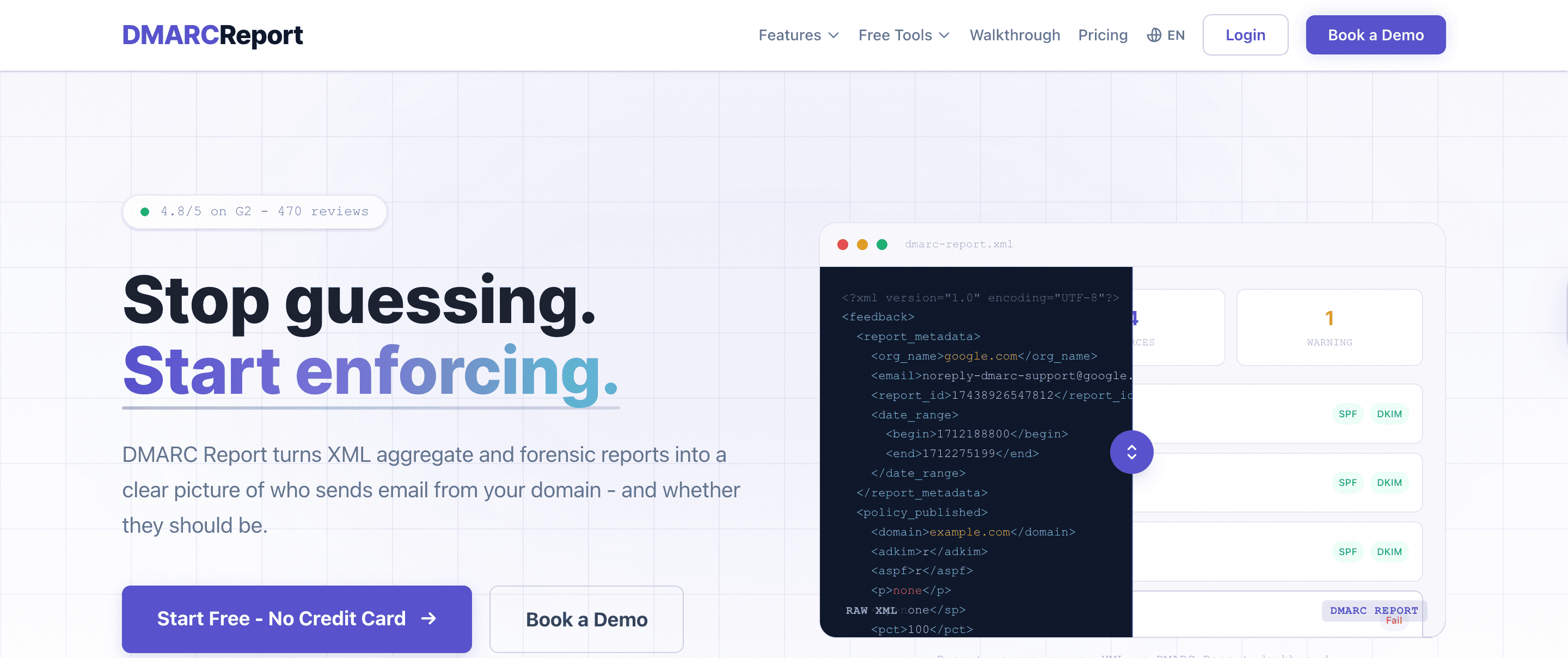
7. DMARC Report.
DMARC Report focuses on enterprise-grade DMARC monitoring and advanced reporting visibility.
The platform includes additional operational and governance-focused capabilities beyond standard DMARC analytics.
Key Features:
- DNS monitoring
- TLS reporting
- API integrations
- Role-based permissions
- Multi-user management
- Compliance visibility
Key Strengths:
DMARC Report is well-suited for:
- large organizations,
- enterprise IT teams,
- and businesses requiring advanced operational controls.
Pricing Policy:
Pricing varies depending on:
- monitored domains,
- reporting scale,
- user access requirements,
- and enterprise support needs.
Quick Comparison Table
The table below highlights the main differences between these tools:
| Tool | Best For | Main Strength |
| DMARKOFF | Deliverability consultants, agencies & MSPs | Predictable scaling and usability |
| EasyDMARC | SMBs & beginners | Simple onboarding |
| PowerDMARC | Enterprises & MSPs | Full authentication ecosystem |
| Dmarcian | Technical teams | Deep analytics and education |
| DMARCLY | Small businesses | Simple workflow |
| DMARC Advisor | MSPs & agencies | Multi-client visibility |
| DMARC Report | Large teams | Compliance visibility |
Which Tool Should You Choose?
If you’re new to DMARC and want a guided onboarding experience, EasyDMARC is one of the easiest platforms to start with.
Organizations looking for a broader authentication ecosystem with threat intelligence and hosted services may prefer PowerDMARC.
Technical teams that prioritize deep visibility and advanced analysis often lean toward Dmarcian.
Smaller businesses wanting a simpler setup process without excessive complexity may find DMARCLY more approachable.
MSPs and agencies managing multiple clients simultaneously will likely benefit from DMARC Advisor’s delegated management structure.
Meanwhile, DMARKOFF is especially appealing for teams that want:
- bill per domain,
- cleaner workflows,
- and a more operationally simple approach to DMARC monitoring.
Its AI assistant also introduces a more modern direction for authentication analytics and workflow management.
Conclusion
DMARC monitoring has become essential for organizations that rely on email communication.
Without proper visibility into authentication activity, businesses risk:
- spoofing attacks,
- domain abuse,
- deliverability issues,
- and reputation damage.
The good news is that DMARC platforms have made authentication management far more accessible than it used to be. The best choice ultimately depends on your organization’s priorities, technical resources, and growth plans.
FAQ
Yes. Proper DMARC implementation helps build trust with mailbox providers, reduces spoofing risks, and can improve inbox placement over time.
EasyDMARC and DMARKOFF are both great options for beginners because they offer simpler dashboards, guided setup, and easier-to-understand reporting.
DMARKOFF is great if you are looking for per-domain pricing and unlimited report processing and need costs to be more predictable.
Related Posts

A DMARC (Domain-based Message Authentication Reporting and Conformance) protocol provides email senders with a powerful tool to protect their email Read more
As the threat landscape changes, more and more organizations are using the DMARC (Domain-based Message Authentication, Reporting, and Conformance) protocol Read more

Cyber threats have escalated significantly in recent years. Last year, 64% of businesses reported facing Business Email Compromise (BEC) attacks, Read more