How AI Spam Filters Decide Which Emails Reach the Inbox
Estimated reading time: 9 minutes
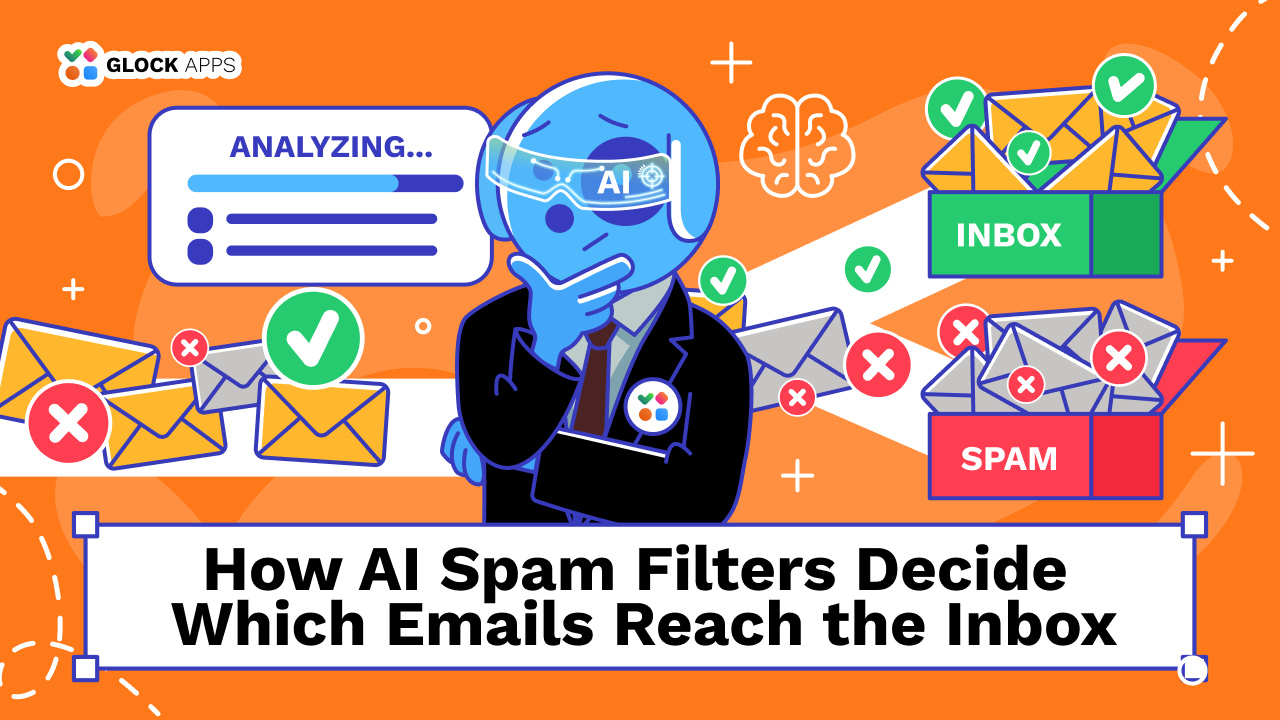
Spam filters have changed a lot. They no longer look only for suspicious words, bad links, or known spam IPs. Gmail, Outlook, Yahoo, and other mailbox providers use machine learning together with sender reputation, authentication, sending behavior, message content, and recipient activity.
This is why a legitimate email can still go to spam.
Key Takeaways
- AI spam filters look at much more than email copy.
- Sender reputation and authentication matter just as much as content.
- A sudden change in volume or sending setup can hurt placement.
- Recipient behavior also affects filtering.
- Passing SPF, DKIM, and DMARC does not guarantee the inbox.
- When emails start going to spam, rewriting the subject line should not be your first move.
How AI Spam Filters Actually Work
Modern spam filtering is based on patterns. A mailbox provider looks at many signals at the same time. These signals usually fall into a few main groups.
1. Sender Authentication.
The first question is simple: can the sender be verified?
Mailbox providers look at SPF, DKIM, DMARC, domain alignment, sending domain, sending IP, and message headers.
Authentication helps prove that the message is really coming from an authorized sender. But it doesn’t prove that the email is wanted.
A sender can pass SPF, DKIM, and DMARC and still land in spam because of poor reputation, high complaint rates, weak list quality, or unusual sending behavior.
2. Sender Reputation.
Reputation is built over time. Mailbox providers learn from your previous email activity. They can look at the reputation of your domain, subdomain, sending IP, and email infrastructure.
They also look at what happens after your messages are sent. For example:
- Do recipients report them as spam?
- Do many addresses bounce?
- Does the sender suddenly increase volume?
- Is the traffic consistent?
- Has the domain sent suspicious mail before?
This is why deliverability problems often continue even after the original issue has been fixed. If a sender built up negative signals over several campaigns, one clean campaign will not always repair the reputation immediately.
3. Sending Behavior.
AI filters are good at spotting unusual patterns. For example, imagine that a domain normally sends 25,000 emails per day. One day, it suddenly sends 250,000. That does not mean the new emails are spam. But the pattern has changed.
Other changes can have the same effect:
- sending from a new IP;
- switching ESPs;
- using a new sending domain;
- sending to a much larger list;
- increasing frequency;
- restarting campaigns after a long pause;
- mixing new and inactive subscribers into one large send.
These changes can make the traffic look less predictable. And when the system has less history to rely on, it may treat the messages more carefully.
4. Recipient Behavior.
One of the biggest mistakes in email deliverability is thinking that all recipients are treated the same way. They are not.
Mailbox providers can learn from how people interact with your email. Signals may include opening messages, ignoring them, deleting them, moving them out of spam, marking them as spam, replying, unsubscribing, or interacting with similar messages in the past.
This helps explain why the same campaign may land in one subscriber’s inbox and another’s spam.
5. Email Content Still Matters.
Content has not stopped mattering. It just matters differently.
Old advice often focuses on words such as “free”, “discount”, “buy now”, “winner”, “limited offer.”
Using one of these words does not automatically send an email to spam. Modern filters can look at the whole message instead.
They may evaluate:
- subject line;
- body copy;
- HTML structure;
- links;
- tracking domains;
- redirects;
- attachments;
- image-heavy layouts;
- misleading formatting;
- suspicious sender information;
- similarity to known phishing or spam campaigns.
So the problem is rarely one “bad” word. It is usually the combination of signals.
Why Legitimate Emails Still Go to Spam
A message can be completely legitimate and still look risky from the mailbox provider’s side. Here are some of the most common reasons.
Your Authentication Works, but Reputation Is Weak
This happens often. The sender passes SPF, DKIM, and DMARC, but the domain still has:
- too many spam complaints;
- poor list quality;
- unstable sending volume;
- weak engagement;
- a history of unwanted mail.
You Increased Volume Too Fast
Large volume spikes can create problems even when the campaign is valid. This often happens during:
- Black Friday;
- product launches;
- seasonal campaigns;
- fundraising campaigns;
- major announcements.
If the domain normally sends small volumes and suddenly sends several times more, filters may treat the new traffic more cautiously. The risk is even higher when the extra volume goes to less active subscribers.
You Started Mailing a Different Audience
Sometimes the campaign is almost identical to previous sends, but placement gets worse. The problem may be the list.
For example, you may have added older subscribers, inactive contacts, newly imported users, subscribers from another acquisition source, people who have not heard from you for months.
That new audience may interact with your emails differently. More ignoring, unsubscribing, bouncing, or spam complaints can quickly change the signals mailbox providers see.
Your Marketing and Transactional Mail Share the Same Reputation
Not all email has the same risk. Transactional emails usually include messages such as:
- password resets;
- account confirmations;
- order receipts;
- security alerts.
Marketing email includes:
- promotions;
- newsletters;
- product updates;
- sales campaigns.
Recipients usually expect transactional mail more than promotional mail. If both streams share the same infrastructure, poor marketing performance may affect important transactional messages too.
That is why many senders separate mail streams using different subdomains, IPs, sending platforms, and reputation pools.
The exact setup depends on sending volume and infrastructure, but the goal is the same: do not let high-risk traffic damage critical mail.
Sometimes the Problem Is the Link, Not the Email
Senders often rewrite the copy first. But the problem can be somewhere else. Links inside the email may include:
- a new tracking domain;
- too many redirects;
- shortened URLs;
- a newly registered domain;
- a compromised landing page;
- a domain with poor reputation.
This is especially important when deliverability drops after a change in tracking software or campaign setup. If the copy stayed the same but the URLs changed, start there.
Shared Infrastructure Can Also Affect Placement
If you send from a shared IP pool, other senders may use the same infrastructure. This is not automatically a problem. Reputable providers manage shared infrastructure carefully.
But shared systems mean you do not control every reputation signal yourself. That is why it helps to know:
- whether you use shared or dedicated IPs;
- how the provider manages bad senders;
- whether your sending reputation is isolated;
- whether you can move between pools;
- what happens when another sender causes abuse.
How to Find Out Why Your Emails Are Going to Spam
The best way to investigate is to check one layer at a time.
Step 1: Check Authentication.
Start with SPF, DKIM, and DMARC. Make sure SPF is valid, DKIM passes, DMARC passes, domains align correctly, the right domain is being used, and authentication did not break after an ESP or infrastructure change.
Step 2: Check Which Providers Are Affected.
Do not assume that “going to spam” means the same thing everywhere.
Compare placement across Gmail, Outlook, Yahoo, other mailbox providers you send to.
If only one provider has a problem, the issue may be related to reputation or filtering signals specific to that provider. If several providers show the same drop, look for a wider change in the campaign or infrastructure.
This is where GlockApps Inbox Insight can help. It shows where test emails land across different mailbox providers, so you can quickly see whether the issue is isolated or affects the campaign more broadly.
Step 3: Check What Changed.
Compare the affected send with the last healthy campaign. Look at sending volume, domain, IP, ESP, email template, recipient segment, links, tracking domain, From address, and send frequency.
A deliverability problem often appears right after one of these changes.
Step 4: Review the Audience.
Check whether the campaign went to people who still expect your mail.
Look at:
- inactive subscribers;
- old contacts;
- new acquisition sources;
- bounce rates;
- complaint rates;
- unsubscribe rates;
- recent engagement.
A good campaign sent to the wrong audience can still produce bad signals.
Step 5: Monitor Deliverability Over Time.
Deliverability should not be checked only after a campaign fails. Watch for:
- growing spam placement;
- falling inbox placement;
- more complaints;
- more rejections;
- changes by mailbox provider.
GlockApps can be used here as part of regular pre-send and ongoing deliverability checks. Instead of relying only on opens or ESP delivery reports, you can test actual inbox versus spam placement and catch changes before they affect a larger campaign.
How to Reduce the Risk of Legitimate Email Going to Spam
There is no guaranteed way to force an email into the inbox. But you can make your sending pattern much easier for mailbox providers to trust.
Focus on the basics:
- Authenticate correctly.
Use SPF, DKIM, and DMARC, and check alignment. - Protect your reputation.
Keep complaints, bounces, and unwanted traffic under control. - Send to people who expect your email.
Permission and list quality matter. - Avoid sudden volume jumps.
Large changes are harder for filters to evaluate. - Keep your infrastructure consistent.
Frequent unnecessary changes create more variables. - Separate different mail streams when needed.
Marketing and transactional email do not always belong in the same reputation pool. - Make unsubscribing easy.
A frustrated subscriber may use the spam button instead. - Watch your links and tracking setup.
The copy may be fine while the URL is causing trouble. - Test placement regularly.
Successful delivery does not always mean inbox delivery.
Conclusion
AI spam filters decide whether your email looks trustworthy based on the signals they can see. That includes your authentication, reputation, sending history, audience, links, content, and recipient behavior.
So when a legitimate email lands in spam, don’t immediately rewrite the subject line. Start with the bigger picture. Check what changed, where the email landed, and which signals may have become weaker.
FAQ
Yes. They can evaluate the subject line, body text, links, HTML, attachments, and other message elements. But content is only one part of filtering. Reputation, authentication, sending behavior, and recipient activity also matter.
No. These protocols help prove sender identity, but they do not guarantee that mailbox providers will trust or prioritize the message.
Each mailbox provider uses its own filtering systems, reputation data, and user signals. That means the same sender can have good placement with one provider and poor placement with another.
Related Posts
Getting an email delivered successfully does not necessarily mean it reached the inbox. A message can pass authentication, leave the Read more

Email deliverability has become more challenging than ever. Even legitimate emails can end up in spam folders due to authentication Read more
If your email campaigns suddenly start underperforming, there’s a strong chance spam traps are involved. From my experience in email Read more

If you’ve ever asked yourself, “Why are my emails going to spam?”, you’re not alone. Email deliverability remains one of Read more