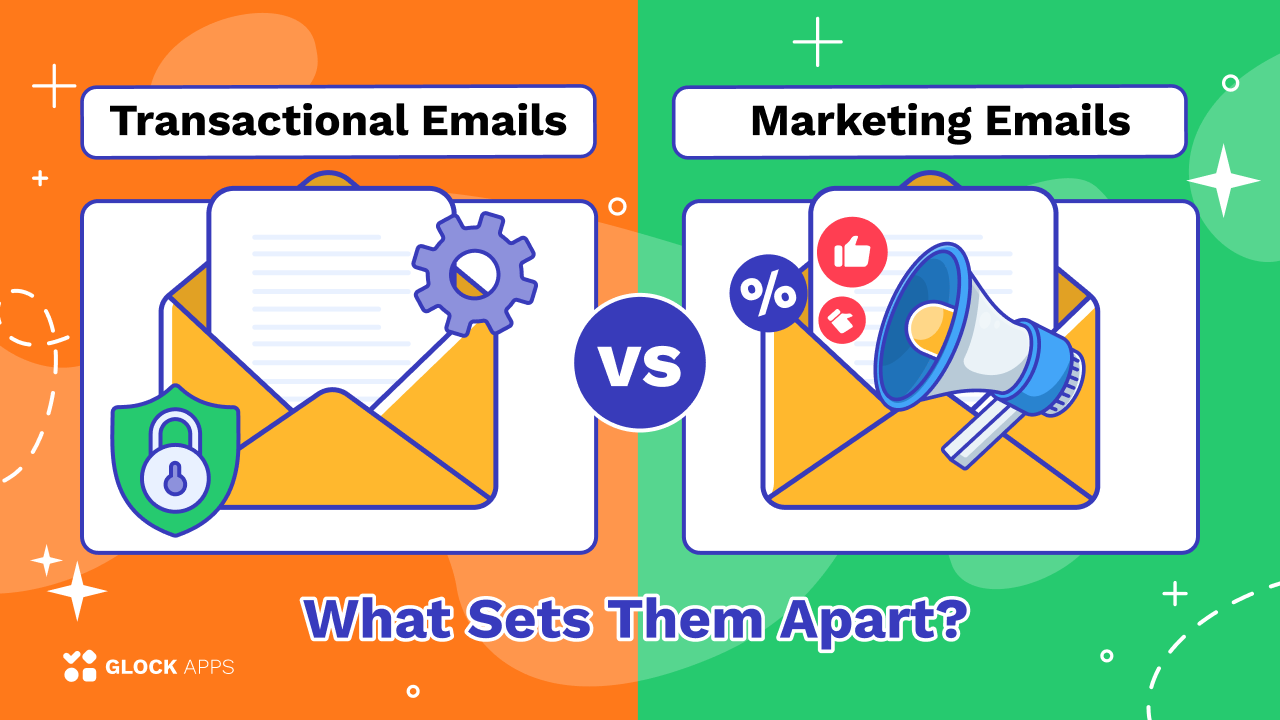
Transactional vs. Marketing Emails: What Sets Them Apart?
Estimated reading time: 9 minutes
Some emails are designed to promote products and encourage engagement, while others provide important information following a user’s action. These two categories are known as marketing emails and transactional emails.
Understanding the difference between them is essential for building an effective email strategy, maintaining regulatory compliance, and protecting your sender reputation. In this article, we explain how marketing and transactional emails differ, provide common examples, and share practical tips for managing both types of messages.
Key Takeaways
- Marketing emails promote products, services, content, or special offers.
- Transactional emails are triggered by a user’s action or account activity.
- Marketing emails generally require clear consent and an unsubscribe option.
- Transactional emails should focus primarily on essential information.
- Separating marketing and transactional email streams can help protect deliverability.
- Both types of emails should be monitored for authentication, reputation, and inbox placement.
What Is a Marketing Email?
A marketing email is a message sent to promote a company, product, service, event, or piece of content. Its primary purpose is to encourage recipients to take a commercial or engagement-related action.
Marketing emails may be sent to an entire subscriber list or to smaller audience segments based on interests, location, purchase history, or previous behavior.
Common goals of marketing emails include:
- Increasing sales
- Promoting new products
- Driving website traffic
- Announcing discounts
- Building brand awareness
- Encouraging customer engagement
- Nurturing potential customers
Unlike transactional messages, marketing emails are usually planned as part of a broader campaign.
Examples of Marketing Emails:
Typical marketing emails include:
- Promotional campaigns
- Product launch announcements
- Seasonal offers
- Discount codes
- Newsletters
- Event invitations
- Abandoned cart reminders
- Customer re-engagement campaigns
- Product recommendations
- Educational content designed to support sales
For example, an online store may send an email announcing a 20% discount on selected products. The main purpose of the message is promotional, so it would be considered a marketing email.
What Is a Transactional Email?
A transactional email is an automated message triggered by a specific user action, account event, or business process. Its main purpose is to provide information that the recipient expects or needs.
Transactional messages are usually sent to one person at a time rather than to a large mailing list.
Common triggers include:
- Creating an account
- Completing a purchase
- Requesting a password reset
- Updating account details
- Receiving a payment
- Shipping an order
- Changing a subscription
- Receiving a security alert
Transactional emails are often time-sensitive. Users expect them to arrive quickly, especially when they contain login details, confirmation codes, receipts, or delivery information.
Examples of Transactional Emails:
Common transactional emails include:
- Order confirmations
- Payment receipts
- Shipping notifications
- Password reset emails
- Account verification messages
- Login alerts
- Appointment confirmations
- Subscription renewal notices
- Two-factor authentication codes
- Account update notifications
For example, when a customer purchases a product, the confirmation email containing the order number and payment details is transactional.
Marketing Email vs. Transactional Email: Main Differences
Although both types of messages are sent by email, they differ in purpose, audience, timing, content, and legal requirements.
| Feature | Marketing Email | Transactional Email |
| Main purpose | Promote or persuade | Provide essential information |
| Trigger | Planned campaign or schedule | User action or account event |
| Audience | Mailing list or segment | Individual recipient |
| Timing | Scheduled by the sender | Sent automatically after an action |
| Content | Promotional | Informational or operational |
| Unsubscribe link | Usually required | May not be required for essential messages |
| User consent | Generally required | Often based on an existing transaction or relationship |
| Examples | Newsletters, promotions, product launches | Receipts, confirmations, password resets |
1. Purpose.
The most important difference is the reason the email is sent.
A marketing email is designed to influence the recipient. It may encourage them to make a purchase, read an article, attend an event, or explore a new service.
A transactional email is designed to complete or support a process. It gives the recipient information connected to an action they have already taken.
For instance:
- “Your order has been shipped” is transactional.
- “Explore our latest collection” is marketing.
2. Recipient Expectations.
Recipients usually subscribe to marketing emails because they want promotions, updates, or educational content. However, they may choose to unsubscribe at any time.
Transactional emails are often expected immediately. A customer who requests a password reset or places an order relies on the email to complete the next step.
Because of this, delayed transactional emails can create frustration and increase support requests.
3. Sending Frequency.
Marketing email frequency is controlled by the sender. A company may send a newsletter weekly, a promotion monthly, or several emails during a product launch.
Transactional emails are sent only when a qualifying event occurs. Their frequency depends on user activity.
A customer may receive multiple transactional emails in one day if they place an order, update their password, and receive a delivery notification.
4. Content and Design.
Marketing emails often use eye-catching designs, persuasive copy, product images, discounts, and prominent calls to action.
Transactional emails typically prioritize clarity and functionality. The most important information should be easy to find, especially when the message includes:
- Confirmation numbers
- Security codes
- Payment details
- Delivery updates
- Account instructions
Transactional emails can still reflect the company’s branding, but promotional content should not distract from the message’s primary purpose.
5. Consent and Unsubscribe Requirements.
Marketing emails are subject to email marketing and privacy regulations. Depending on the recipient’s location, businesses may need prior consent before sending promotional messages.
Marketing messages should also include a visible and functional unsubscribe option.
Transactional emails are handled differently because they are sent as part of an existing service, transaction, or account relationship. A recipient generally cannot unsubscribe from essential security alerts, payment confirmations, or password reset messages without affecting the service.
However, businesses should avoid turning transactional emails into disguised advertisements. Adding excessive promotional content may cause the message to be classified as marketing.
6. Deliverability Importance.
Deliverability matters for every type of email, but transactional messages are especially sensitive because delays can prevent users from completing important actions.
For example, a password reset link that arrives two hours late may already be expired. A delayed booking confirmation may cause a customer to contact support or repeat the transaction.
Marketing campaigns also depend on strong deliverability. Poor list quality, high spam complaint rates, or sudden sending-volume increases can damage the sender’s reputation.
Tools such as GlockApps can help businesses test inbox placement, identify authentication problems, and understand how mailbox providers treat their messages.
Should Marketing and Transactional Emails Be Separated?
In many cases, it is a good idea to separate marketing and transactional email streams.
Businesses may use different:
- Sending domains
- Subdomains
- IP addresses
- Email service providers
- Sending configurations
- Reputation monitoring processes
For example, a company might use:
- news.example.com for marketing emails
- notify.example.com for transactional emails
This separation helps reduce the risk that poor performance from a marketing campaign will affect critical transactional messages.
If a marketing email generates a high number of spam complaints, the resulting reputation damage could affect other messages sent from the same infrastructure. Separating the streams provides better control and visibility.
Can a Transactional Email Include Marketing Content?
A transactional email may contain limited promotional content, but the main purpose of the message must remain transactional.
For example, an order confirmation could include a small product recommendation section beneath the order details. However, the receipt, payment information, and delivery details should remain the primary focus.
If most of the email promotes additional products or services, it may be considered a marketing message.
A useful rule is to ask: Would this email still need to be sent without the promotional section?
If the answer is yes, it is probably transactional. If the email exists mainly to encourage another purchase, it is likely marketing.
Best Practices for Marketing Emails
To improve the performance of marketing messages:
Build a Permission-Based List: Send promotional emails only to people who have agreed to receive them. Avoid purchased or scraped email lists.
Segment Your Audience: Send relevant content based on subscriber preferences, interests, purchase history, or engagement.
Use Clear Subject Lines: Avoid misleading subject lines. Recipients should understand what the message is about before opening it.
Make Unsubscribing Easy: Include a visible unsubscribe link and process requests promptly.
Monitor Engagement: Track clicks, conversions, complaints, and unsubscribes. Remove or suppress consistently inactive recipients when appropriate.
Maintain Consistent Sending Patterns: Sudden and unexplained spikes in email volume can appear suspicious to mailbox providers.
Best Practices for Transactional Emails
To keep transactional messages reliable:
Send Them Immediately: Transactional emails should be generated and delivered as soon as the triggering action occurs.
Prioritize Essential Information: Place order details, verification links, security codes, or account instructions near the top of the message.
Keep the Subject Line Clear: Use direct subject lines such as:
- “Your order has been confirmed”
- “Reset your password”
- “Your verification code”
- “Your payment was successful”
Limit Promotional Content: Avoid overwhelming the recipient with offers or unrelated calls to action.
Monitor Deliverability Performance: Track bounce rates, delays, authentication results, and inbox placement. Regular testing with GlockApps can help identify issues before they affect a large number of customers.
Use Email Authentication: Configure SPF, DKIM, and DMARC to help mailbox providers verify that your messages are legitimate.
Why the Difference Matters
Correctly identifying marketing and transactional emails helps businesses:
- Follow applicable regulations
- Set appropriate subscriber expectations
- Protect their sender reputation
- Improve email deliverability
- Reduce spam complaints
- Ensure critical messages arrive quickly
- Choose the right sending infrastructure
- Measure campaign performance accurately
Treating all emails the same can create unnecessary risks. Marketing messages require careful consent and engagement management, while transactional messages require speed, reliability, and clarity.
Conclusion
Marketing emails are created to promote products, services, content, or offers. They are usually sent to groups of subscribers and require careful consent, segmentation, and unsubscribe management.
Transactional emails are triggered by user actions and provide essential information such as receipts, confirmations, security alerts, and password reset instructions. They should be delivered quickly and should focus primarily on the transaction or account activity.
By separating these email types, following deliverability best practices, and monitoring their performance independently, businesses can create a better customer experience while protecting their sender reputation.
FAQ
Marketing emails are promotional and designed to encourage an action. Transactional emails provide information related to a user’s activity, purchase, or account.
It depends on the content. An account confirmation email is usually transactional. A welcome email that promotes products, content, or special offers may be considered marketing.
Abandoned cart emails are generally considered marketing because they are designed to persuade the recipient to complete a purchase.
A small promotional section may be acceptable, but the primary purpose of the email must remain the order confirmation.
Delays may be caused by server throttling, authentication problems, temporary mailbox provider restrictions, poor sender reputation, bad email deliverability or technical issues with the sending platform.
Related Posts
A transactional email is an automated email message triggered by a specific user behaviour on a website or in an Read more

Every “reset your password,” “your order is confirmed,” and “your package is on the way” message is a transactional email Read more
Delayed email delivery can happen for many reasons. Sometimes the delay is caused by the sender’s mail server. Sometimes it Read more
Password reset emails are one of the most sensitive and high-impact transactional messages a product can send. Unlike marketing emails, Read more