HTML Email Best Practices: Design, Code, and Deliverability

Estimated reading time: 5 minutes
HTML emails can be powerful, visually engaging, interactive, and conversion-driven. But they can also break, land in spam, or render inconsistently if built carelessly. After years of working with email marketers, developers, and deliverability teams, I’ve seen one consistent pattern: beautiful design means nothing if the email doesn’t reach the inbox or render correctly.
Key Takeaways
- Keep your HTML clean, lightweight, and table-based
- Optimize images and always include alt text
- Design mobile-first
- Avoid spam-trigger elements in code
- Always test rendering and inbox placement before sending
- Balance design with performance, because heavier emails often hurt deliverability
7 Best Practices for HTML Emails
Unlike websites, HTML emails live in a fragmented ecosystem. Gmail, Apple Mail, Outlook, Yahoo, they all interpret HTML differently. Some strip styles. Some block images. Some ignore modern CSS. And beyond rendering, mailbox providers analyze your code for spam signals, suspicious structures, and formatting inconsistencies.
An HTML email must therefore be:
- Visually appealing
- Technically stable
- Deliverability-safe
- Responsive
- Accessible
When all five align, performance improves dramatically.
Here is the best advice on HTML emails:
1. Use Table-Based Layouts (Yes, Still)
Modern web design moved beyond tables years ago, but email did not. Outlook still uses Microsoft Word’s rendering engine. Many clients lack support for flexbox or advanced CSS.
I always recommend:
- Nested tables for layout
- Fixed-width containers (usually 600px)
- Clear structural hierarchy
Trying to force modern web layouts into email often results in broken formatting across clients.
2. Inline CSS Is Mandatory
Most email clients strip out:
- <style> blocks (especially in the head)
- External CSS files
- JavaScript (always removed)
Best practice:
- Inline all styles
- Use simple CSS properties
- Avoid shorthand where possible
3. Optimize Images Carefully
Images drive engagement, but they can also hurt deliverability and load speed.
Best practices:
- Compress images before uploading
- Keep total email weight under 100KB when possible
- Always include descriptive alt text
- Avoid image-only emails
- Use the correct image-to-text ratio
Mailbox providers analyze image-heavy emails as potential spam. I’ve seen campaigns improve inbox placement simply by reducing oversized banners.
Also, remember: many users have images turned off by default. If your email is unreadable without images, you lose.
4. Keep Your Code Clean and Lightweight
From a deliverability perspective, messy HTML is risky.
Common issues I regularly detect:
- Unclosed tags
- Excessive nested divs
- Broken links
- Hidden text tricks
- Too many tracking scripts
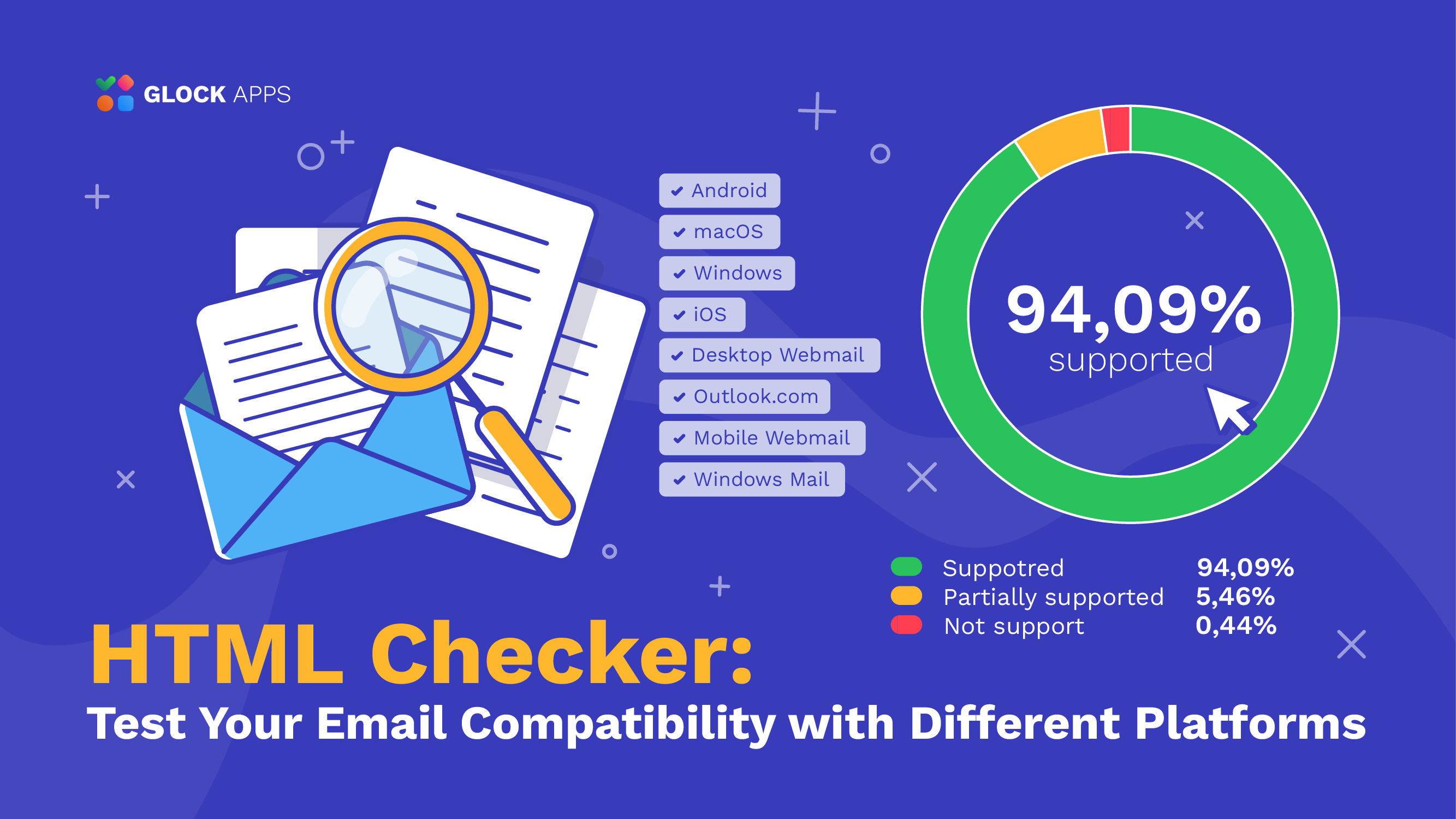
Spam filters don’t just scan content, they scan the whole structure. This is why I always advise running HTML through validation and spam analysis tools before sending. Platforms like GlockApps help marketers preview inbox placement and identify structural red flags before a campaign goes live.
5. Balance Visual Elements with Deliverability
One of the biggest mistakes I see: marketers prioritize visual effects over inbox placement.
Heavy gradients, background images, layered graphics, they may look impressive, but:
- They increase the file size
- They trigger clipping in Gmail
- They can cause slow loading
- They raise spam suspicion
A high-performing HTML email is elegant in its simplicity.
6. Accessibility Is Not Optional
Accessible HTML emails perform better because they’re readable for everyone.
Best practices:
- Use semantic structure where possible
- Include proper alt text
- Maintain sufficient color contrast
- Avoid relying solely on color to convey meaning
- Use live text instead of embedding text in images
Accessibility improves engagement and engagement improves deliverability.
7. Always Test Before Sending
Testing isn’t optional, it’s one of the most important parts.
Before sending any campaign, I recommend testing:
- Rendering across major clients
- Spam score
- Link functionality
- Mobile responsiveness
- Authentication (SPF, DKIM, DMARC)
I’ve personally seen campaigns that looked perfect in staging but broke in Outlook or landed in spam due to unnoticed code issues. Running a pre-send test with tools like GlockApps can reveal issues you might otherwise miss. Testing protects your reputation.
Overview of Core HTML Email Best Practices
Before launching your next campaign, make sure these foundational elements are covered:
| Best Practice | Why It Matters | |
| Layout | Table-based structure | Ensures cross-client stability |
| Styling | Inline CSS | Prevents stripped styles |
| Images | Optimized + alt text | Improves load time & accessibility |
| Mobile | Single-column design | Enhances readability |
| Code | Clean, validated HTML | Reduces spam risk |
| Testing | Pre-send rendering checks | Protects inbox placement |
Common HTML Email Mistakes to Avoid
From my experience, these are the most damaging:
- Sending without testing
- Using too many fonts
- Embedding videos directly
- Overloading with images
- Ignoring plain-text version
- Forgetting fallback fonts
The difference between an average campaign and a high-performing one is rarely the design, it’s the technical precision.
Conclusion
The best-performing emails I’ve seen share three characteristics:
- Clean code
- Mobile-first simplicity
- Pre-send testing
When you respect both the visual and technical sides of email, you increase not only engagement but inbox placement and long-term sender reputation.
FAQ
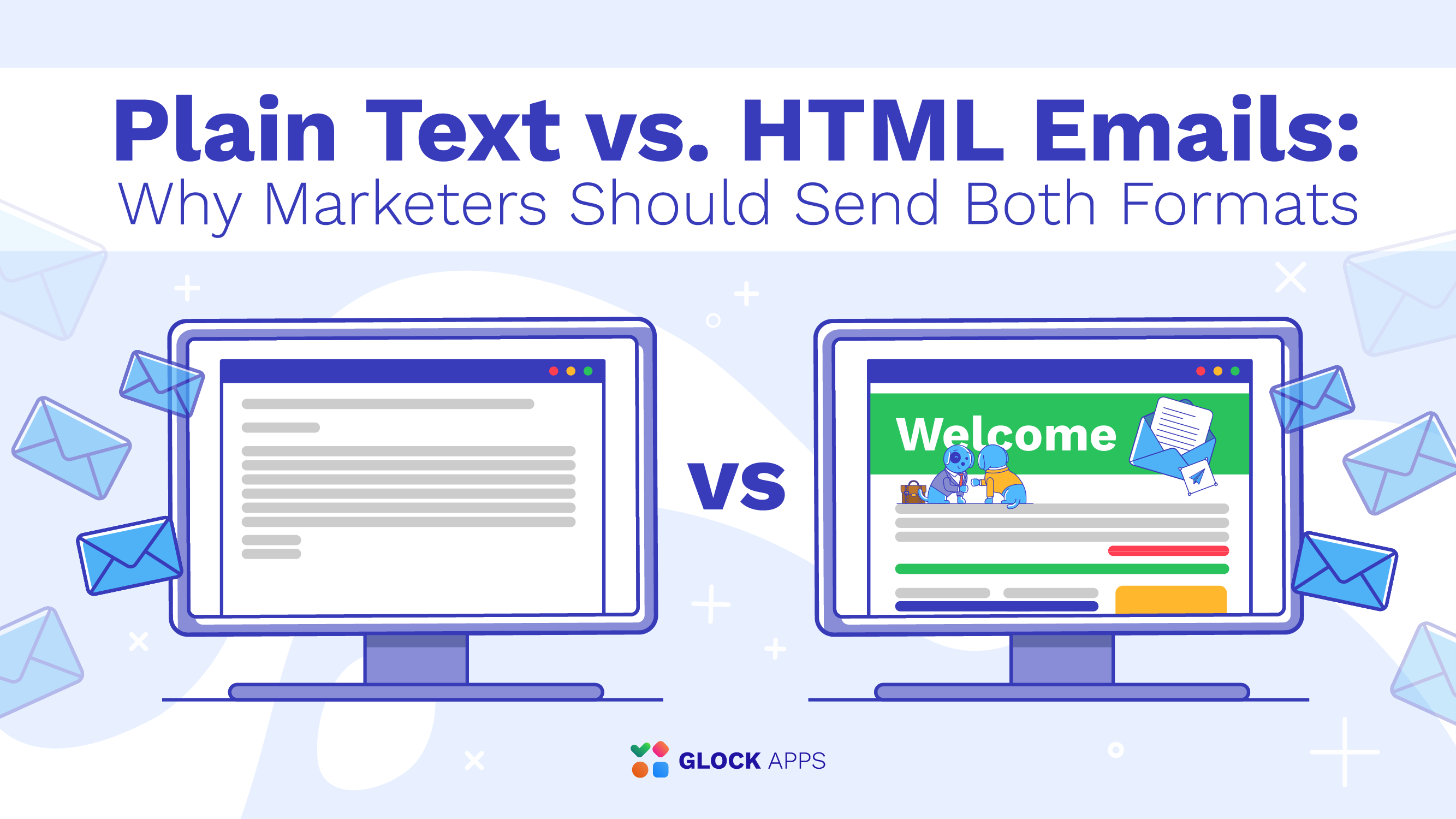
An HTML email is an email that uses HTML code to create structured layouts, images, buttons, and styled text. Unlike plain-text emails, HTML emails allow for branding, design elements, and interactive components.
Yes. Spam filters analyze email structure, not just content. Broken tags, excessive nesting, hidden elements, or suspicious formatting can negatively impact deliverability.
Yes. Including a plain-text version is highly recommended. It improves accessibility, makes your email appear more trustworthy to spam filters, and ensures that your message remains readable even if the HTML version fails to load.
Related Posts

What was the last email you received that you remember? Recall what it looked like. Most likely, it had a Read more
In today’s world of electronic mail, the vast majority of messages are sent in an HTML format rather than plain Read more

Images can be the emotional core of an email campaign. They announce product launches, highlight seasonal promotions, create visual hierarchy, Read more
You may have heard a lot about the revival of plain text emails these days. In an era when email Read more