Gmail Dynamic Email: What It Is and How to Use It
Estimated reading time: 6 minutes
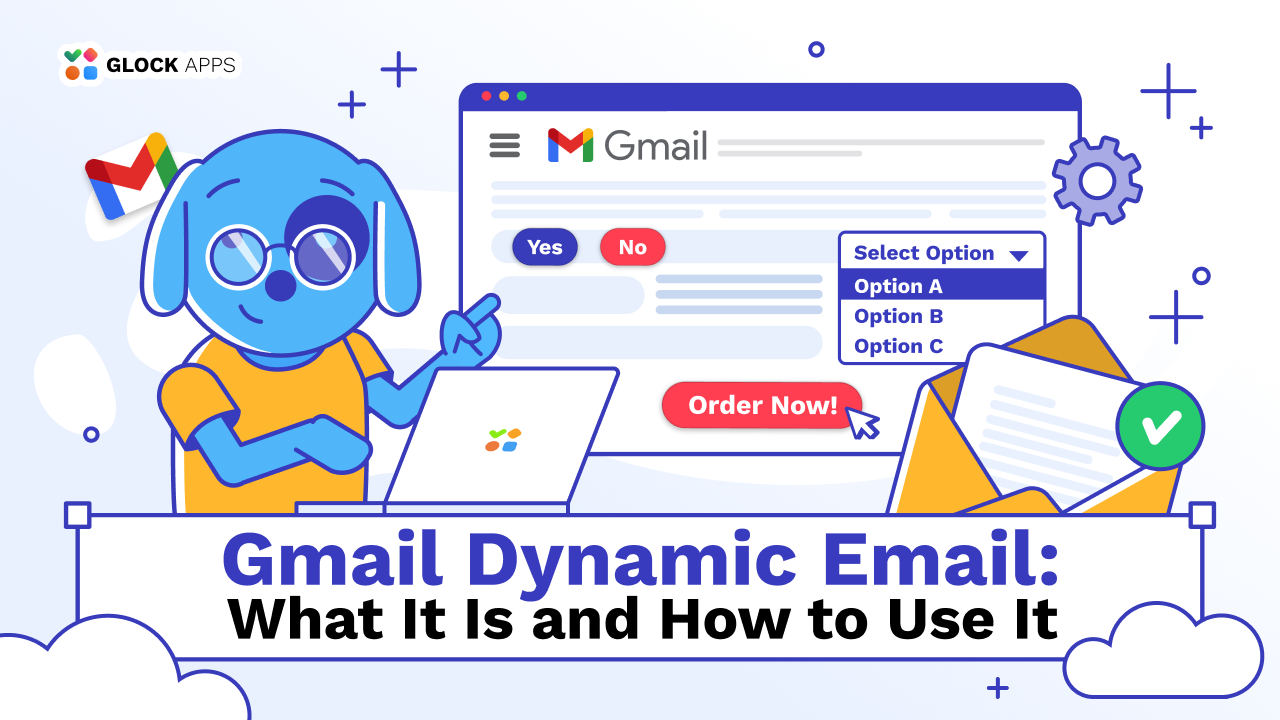
For years, email marketing has followed a predictable pattern: open the email, click a link, land on a website, and complete an action. Gmail Dynamic Email changes that entirely. Instead of treating email as just a communication channel, it turns it into a functional interface. Users can interact with content directly inside the email.
This shift is subtle but powerful. It removes unnecessary steps, shortens the user journey, and creates a smoother, more intuitive experience.
Key Takeaways
- Gmail Dynamic Email (AMP for Email) transforms emails into interactive experiences instead of static messages
- It reduces friction by allowing users to take action without leaving their inbox
- Best suited for SaaS, eCommerce, travel, fintech, and marketplace-driven businesses
- Requires proper authentication (SPF, DKIM, DMARC) and Gmail sender approval
- Strong testing and deliverability monitoring are essential for success.
What Is Gmail Dynamic Email?
At its core, Gmail Dynamic Email is an advanced email format powered by AMP (Accelerated Mobile Pages) that allows real-time interactivity inside messages.
Traditional emails are static. Once they are sent, their content doesn’t change. Gmail Dynamic Emails, on the other hand, can update dynamically and respond to user input.
This means users can:
- Submit forms without opening a browser
- Browse updated product lists or availability
- Confirm attendance or bookings instantly
- Interact with live data (like delivery status or pricing updates)
For example, imagine receiving an email about a webinar. Instead of clicking a “Register” button and being redirected to a landing page, you simply register directly inside the email.
Where It Makes the Biggest Impact
Dynamic email is especially valuable for businesses where speed, convenience, and interaction directly affect outcomes.
1. SaaS & B2B Platforms.
For SaaS products and B2B workflows, dynamic emails can simplify processes that usually require multiple steps.
Users can approve requests, respond to notifications, or update settings directly within the email. This is particularly useful for tools involving team collaboration, dashboards, or approvals, where reducing friction improves productivity.
2. eCommerce.
In eCommerce, every click matters. Dynamic emails allow customers to browse products, see real-time availability, or even interact with carts without leaving their inbox.
This is especially powerful for:
- Cart abandonment recovery
- Personalized recommendations
- Limited-time offers with live updates
3. Travel & Hospitality.
Travel-related interactions often involve frequent updates and changes. Dynamic emails allow users to modify bookings, check schedules, or receive real-time updates without navigating through multiple pages.
This improves both convenience and customer satisfaction.
4. Marketplaces & Platforms.
Platforms that rely on continuous interaction benefit significantly from dynamic emails.
Users can track updates, respond to offers, or leave feedback instantly, keeping them engaged without requiring additional effort.
How Gmail Dynamic Email Works
Before implementing dynamic emails, it’s important to understand the components that make them function.
| Component | What It Does |
| AMP HTML | Enables interactivity and dynamic behavior |
| Fallback HTML | Ensures email works in non-supported clients |
| Gmail Approval | Required to send AMP emails |
| Authentication | Builds trust and verifies sender identity |
Dynamic emails rely on AMP HTML, which allows for secure interactivity within Gmail. However, Gmail only enables this functionality for trusted senders, which is why authentication and approval are mandatory.
The fallback HTML version ensures that users with unsupported email clients still receive a functional message, even if it’s not interactive.
How to Send Gmail Dynamic Emails
Implementing Gmail Dynamic Email involves both technical setup and strategic planning.
1. Set Up Authentication.
Before anything else, your domain must be properly authenticated using SPF, DKIM, and DMARC. This step is non-negotiable, as Gmail uses these protocols to verify your legitimacy as a sender.
Without proper authentication, your emails may be blocked or never reach the inbox.
2. Register with Gmail.
You need to apply for AMP email approval through Google. This process ensures that only trusted senders can use dynamic content.
Approval depends on:
- Your sending reputation
- Consistent email quality
- Proper authentication setup
3. Create AMP Email Content.
Dynamic emails require a multipart structure:
- AMP version (interactive)
- HTML fallback version
- Plain text version
The AMP version is where interactivity lives, but the fallback ensures accessibility.
4. Test Thoroughly.
Dynamic emails are more complex than traditional ones, which means more room for errors. Rendering issues, broken components, or spam triggers can all impact performance. That’s why testing is critical.
Tools like GlockApps help you check inbox placement, detect spam risks, and ensure your emails display correctly across different platforms.
5. Send via Compatible ESP.
Not all email service providers support AMP emails. You need to ensure your ESP can handle dynamic content and properly deliver multipart messages.
A Simple Look at Static vs Dynamic Email.
Understanding the difference between static and dynamic email helps clarify why this shift matters.
| Feature | Static Email | Dynamic Email |
| Interactivity | None | High |
| Real-time updates | No | Yes |
| User actions inside email | No | Yes |
| Conversion friction | Higher | Low |
| Setup complexity | Low | High |
While dynamic emails require more effort to set up, they offer a significantly better user experience and can drive stronger engagement when implemented correctly.
Tips to Make Dynamic Emails Work
Focus on One Clear Action
The biggest mistake is trying to do too much. Even though dynamic emails allow multiple interactions, the most effective ones focus on a single goal (like confirming a booking, submitting a form, or completing a purchase step).
Design for Clarity, Not Complexity
Interactive doesn’t mean complicated. Clean layouts, clear buttons, and intuitive flows matter more than adding advanced features.
Always Include a Strong Fallback
Not every user will see the AMP version. Your HTML fallback must still communicate value and allow users to complete the intended action.
Prioritize Deliverability
No matter how advanced your email is, it won’t matter if it lands in spam.
Platforms like GlockApps allow you to monitor deliverability, test spam triggers, and optimize performance before sending campaigns.
Use Real-Time Data Strategically
Dynamic content is most effective when it reflects real-time changes:
- Inventory updates
- Pricing changes
- Booking availability
This creates urgency and relevance, which are key drivers of engagement.
Conclusion
Gmail Dynamic Email represents a meaningful evolution in how businesses communicate with users.
It shifts email from a passive channel into an active environment where users can engage, respond, and take action instantly. This reduces friction, improves user experience, and creates more efficient customer journeys.
However, its effectiveness depends on thoughtful implementation. Businesses need to balance interactivity with clarity, ensure strong deliverability, and prioritize user experience above all else.
FAQ
It’s an interactive email format that lets users take actions directly inside the message instead of visiting a website.
No, it primarily works in Gmail. That’s why a fallback version is always required.
Absolutely. Testing ensures proper rendering, avoids spam filters, and guarantees a smooth user experience.
Related Posts

Gmail is the world’s most popular email service, but the introduction of the “Promotions” tab in 2013 was some sort Read more

When it comes to managing emails, most people find themselves comparing Apple Mail vs Gmail. Both platforms dominate the market, Read more
Estimated reading time: 8 minutes What is the difference between B2B and B2C email marketing? Email marketing continues to thrive Read more
You may have heard a lot about the revival of plain text emails these days. In an era when email Read more