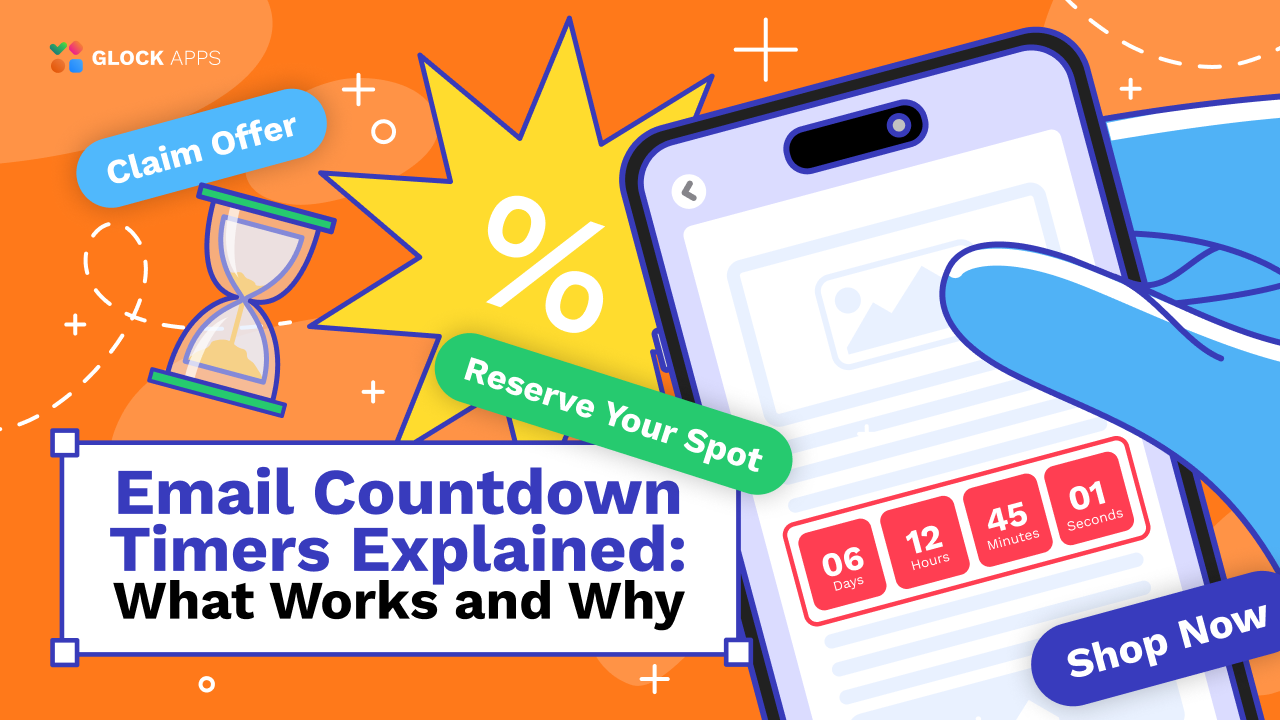
Email Countdown Timers Explained: What Works and Why
Estimated reading time: 5 minutes
In email marketing, attention is fragile. Your subscribers scroll quickly, delete faster, and often postpone decisions until “later”, which usually means never. That’s why the email countdown timer has become one of the most effective tools for driving immediate action.
A countdown timer in an email adds a visual deadline that creates urgency in seconds. Whether you’re running a flash sale, promoting an event, or launching a limited-time offer, email countdown timers can significantly increase engagement by encouraging people to act now instead of waiting.
What Is an Email Countdown Timer?
An email countdown timer is a dynamic visual element that shows the time remaining until a specific deadline.
It can count down:
- Hours until a sale ends
- Days until a webinar starts
- Minutes until an exclusive deal expires
- Seconds until a product drop
This type of email timer is often displayed as a clock, digital counter, or animated timer graphic. Unlike static text (“Offer ends tonight”), a countdown timer email makes the deadline feel real and immediate.
Why Email Countdown Timers Work So Well
Countdown timers are effective because they activate basic psychological triggers:
1. Urgency Drives Action.
When people see time running out, they feel motivated to act faster.
2. Scarcity Increases Value.
Limited-time offers feel more exclusive and important.
3. Visual Cues Grab Attention.
A moving or ticking timer stands out in a crowded inbox more than plain text.
4. They Reduce Procrastination.
Subscribers stop thinking “I’ll do it later” because later may be too late.
That’s why countdowns in email campaigns often outperform regular promotional emails.
Best Use Cases for Countdown Timer Emails
A countdown clock for email works best when there’s a real, meaningful deadline.
Here are the top campaign types where email timers shine:
Flash Sales and Limited Offers:
Perfect for seasonal promotions, weekend discounts, or last-chance deals.
Product Launches:
Build anticipation by counting down to the release day of your product launch.
Event Registration:
Webinars, conferences, workshops. Timers push people to sign up before spots close.
Holiday Campaigns:
For Black Friday, Valentine’s Day, New Year’s countdown mail creates momentum.
Cart Abandonment Deadlines:
A timer can add urgency to “Your discount expires in 3 hours.”
Countdown Timer Examples That Perform Well
Some of the best countdown timer examples include:
- “Sale ends in 06:12:45”
- “Only 2 days left to register”
- “Last chance to claim your bonus”
- “Offer expires at midnight”
The key is clarity: subscribers should instantly understand what the timer means.
How Countdown Timers Work in Email (Important Technical Note)
A true countdown timer in an email is usually not coded as a live JavaScript clock.
Most email clients block scripts, so timers are typically created using:
- Animated GIF timers
- Dynamically generated images that update in real time
- Specialized timer services
If you’re looking for an HTML countdown timer for email, it’s important to know that pure HTML alone won’t create a real ticking clock across inboxes, images are the most reliable method.
Best Practices for Using Email Countdown Timers
To get the most from your email countdown timer, follow these proven strategies:
Keep the Deadline Real:
Fake urgency damages trust. Only use timers when the offer truly ends.
Place the Timer Above the Fold:
Subscribers should see it immediately without scrolling.
Pair It with a Clear CTA:
A timer alone isn’t enough, add a button like:
- “Shop Now”
- “Reserve Your Spot”
- “Claim Offer”
Match the Timer to Your Branding:
Minimalist campaigns work best with clean timer designs, not overly flashy ones.
Test Deliverability Before Sending:
Countdown emails often include images and dynamic elements. Tools like GlockApps can help ensure your campaign lands in the inbox and not the spam folder before a major deadline send.
Common Mistakes to Avoid
Even though countdown timers are powerful, they can backfire if misused. Avoid these errors:
Using Timers Without Context: A timer with no explanation confuses subscribers.
Too Many Timers in One Email: One strong countdown is enough. More becomes clutter.
Poor Mobile Optimization: Make sure the countdown timer for email scales properly on phones.
Ignoring Spam Testing: Heavy image use can affect deliverability. Before launching time-sensitive countdown campaigns, platforms like GlockApps can help test inbox placement and prevent last-minute surprises.
Conclusion: Are Email Countdown Timers Worth It?
Yes, when used right, email countdown timers are one of the simplest ways to increase urgency, engagement, and conversions. A well-designed email countdown timer turns passive readers into active buyers by making the deadline impossible to ignore.
Use them thoughtfully, keep deadlines honest, and always test performance to ensure your countdown email reaches the inbox at the perfect moment.
FAQ
Most timers work as animated or dynamic images. JavaScript-based timers do not work in most inboxes.
Yes, there are free options available, but paid tools often provide better reliability, customization, and support.
Flash sales, product launches, holiday promotions, event registration, and limited-time bonuses.
Related Posts

Animated GIFs can become of even more reach and influence in the world of digital marketing where email remains one Read more
A dynamic content approach reflects the challenges that marketers face in this ever-shifting world of email marketing, employing user data Read more

When it comes to capturing attention and driving conversions, few marketing tools are as powerful as a well-crafted product launch Read more

Video in email marketing has become one of the most powerful engagement tools: higher click rates, better storytelling, and stronger Read more