Best Transactional Email Services for High Deliverability

Estimated reading time: 10 minutes
Transactional emails are the messages users are actively waiting for: order confirmations, two-factor codes, and shipping notifications. When they don’t arrive, there are real business consequences: a password reset lands in spam, the user is locked out, the support queue grows.
This article compares four leading transactional email providers, Mailtrap, Mailgun, Amazon SES, and Postmark, so you can make that choice with confidence.
Why deliverability matters
Inbox placement rate measures what percentage of your sent emails land in the inbox rather than spam or nowhere at all. Every point you lose to the spam folder is a user who may never complete their purchase or verify their account.
Sender reputation recovers slowly once damaged. Gmail, Outlook, and Yahoo build a behavioral picture of your sending over time, and high bounce rates, spam complaints, and authentication failures all leave marks.
What defines high deliverability
Transactional email services vary in how many deliverability-focused features they include. Some treat it as a core product feature. Others leave most of the work to you.
Here is what to look for:
- Email authentication. SPF, DKIM, and DMARC are the protocols mailbox providers use to verify sender identity. A good platform makes these easy to configure and validates them automatically. One misconfigured DNS record can quietly suppress your placement rates with no visible error on your end.
- Dedicated IP options and warm-up. Shared pools work fine at low volumes. At scale, you need dedicated IPs and a provider who will guide you through the warm-up process. Skipping warm-up is one of the most common mistakes teams make when moving to a dedicated email infrastructure.
- Bounce and complaint handling. Hard bounces and spam complaints need to be suppressed automatically after the first occurrence. Repeatedly hitting invalid addresses damages your sender score fast.
- Infrastructure and uptime. A 99.99% SLA is a meaningful commitment. Vague assurances about reliability are not.
- Deliverability analytics. Open rates and click rates are table stakes. What you actually need is inbox placement tracking, drill-down reports by mailbox providers, complaint rate analytics, and real-time alerts that surface problems before they compound.
- Traffic separation. Keeping transactional and marketing emails on separate IP pools or email infrastructures is one of the most effective things you can do for deliverability. A poorly performing bulk campaign should not be able to drag down the placement rate of your password resets.
In addition to what your email service provides, a dedicated pre-send testing tool fills an important gap. GlockApps Inbox Insight tests placement across 115 real mailboxes at Gmail, Outlook, Yahoo, Apple Mail, and other major providers, runs your content through SpamAssassin, Barracuda, and Google’s spam filter, and checks SPF, DKIM, and DMARC headers in a single report.
Catching a failed authentication record before your email reaches real inboxes is considerably cheaper than repairing reputation damage after the fact.
Quick comparison of transactional email service providers
| Feature | Mailtrap | Mailgun | Amazon SES | Postmark |
| Inbox placement* | 78.8% | 71.4% | 77.1% | 83.3% |
| Dedicated IP | ✓ | ✓ ($59/mo) | ✓ (add-on) | ✓ |
| Auto IP warm-up | ✓ | ✓ | ✗ Manual | ✓ |
| SPF/DKIM/DMARC | ✓ Auto | ✓ | ✓ | ✓ |
| Analytics | Included | Add-on | Add-on (VDM) | Included |
| Uptime SLA | 99.99% | 99.99% | AWS regional | 99.99% |
| Setup time | ~5 min | ~10-15 min | ~15-20 min | ~5-10 min |
| Free tier | 4,000/mo | 100/day | 3,000/mo (12mo) | Trial credits |
| Starting price | $15/mo | $15/mo | $0.10/1K emails | $15/mo |
*Inbox placement data is based on deliverability testing conducted by the Mailtrap team across Gmail, Outlook, and Yahoo.
Mailtrap: Best deliverability & developer experience
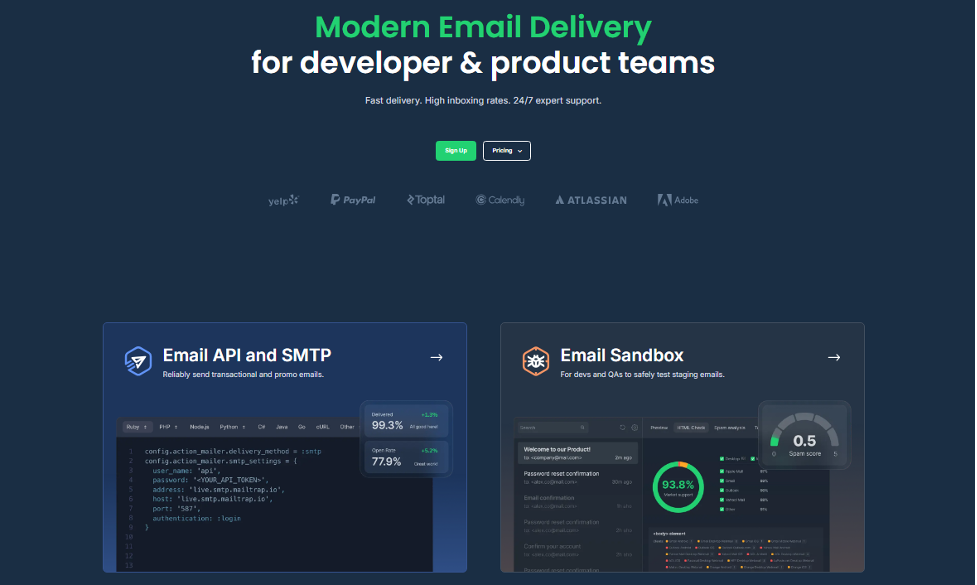
Mailtrap is a transactional email service for developer and product teams that need high inbox placement, actionable analytics, and a developer experience that gets you sending in minutes. The platform offers RESTful API and SMTP with separate transactional and bulk streams to protect deliverability.
Inbox placement: 78.8%
Key features:
- SDKs for Node.js, Ruby, PHP, Python, Elixir, and Java; 25+ framework snippets
- Separate sending streams for transactional and bulk email
- Automatic SPF, DKIM, and DMARC setup
- Dedicated IPs with guided warm-up
- 30-day email history with drill-down reports by mailbox provider, domain, and stream
- Real-time tracking of opens, clicks, bounces, and spam complaints; webhooks included
Pros:
- Full deliverability analytics included on every plan, no add-ons required
- Traffic separation protects transactional reputation from marketing sends
- Fastest setup in this comparison; first send in around five minutes
- Authentication handled automatically, not manually
Cons:
- Dedicated IPs are only available on higher-tier plans
Pricing
Mailtrap offers a free tier with 4,000 emails per month. Paid plans start at $15 per month for 10,000 emails. The Business plan at $85 per month includes 100,000 emails, dedicated IPs, 15 days of logs, advanced analytics, and priority access to deliverability experts. Pricing is plan-based and predictable.
Mailgun: Best for granular control over sending
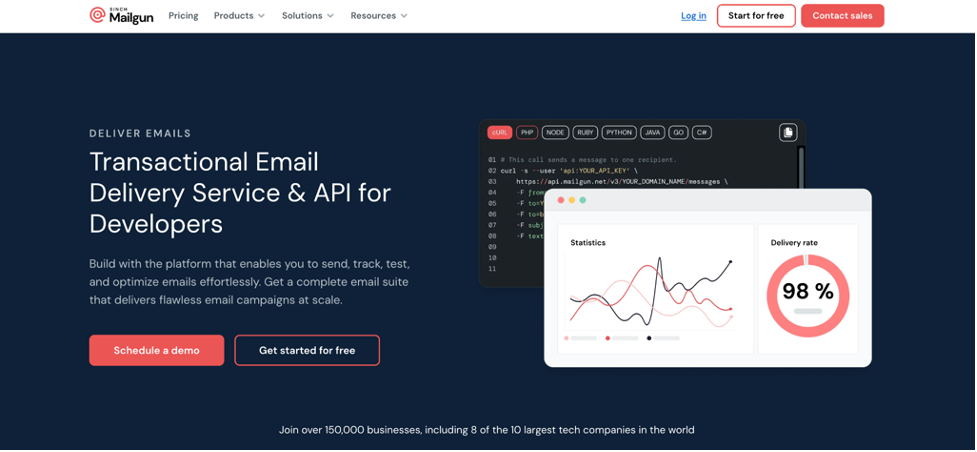
Mailgun is a transactional email service built for developer teams who need fine-grained control over their sending infrastructure. The platform supports advanced use cases like recipient variables, inbound email routing, email validation, and template management.
Inbox placement: 71.4%
Key features:
- SPF, DKIM, and DMARC support with DNS-based domain verification
- Dedicated IPs available at $59/month each
- Automatic bounce and spam complaint suppression
- Email logs are retained up to 30 days, depending on the plan
- Optimize the add-on for inbox placement testing and advanced analytics
- Validate product for email list verification
- SDKs for Go, Node.js, PHP, Java, Ruby, and Python
Pros:
- Granular infrastructure control; domain-specific API keys
- Strong scalability for high-volume senders
- Email validation is built into the platform
Cons:
- Inbox placement testing and advanced analytics require a paid add-on
- Dedicated IPs are expensive relative to competitors
- Documentation can be difficult to navigate; some sections reference outdated API versions
Pricing
Plans start at $15 per month for 10,000 emails. Sending around 100,000 emails typically costs $75–90 per month on the Scale plan. Add-ons such as validation and extended log retention increase the total cost.
Amazon SES: Best for cost efficiency
Amazon SES is a transactional email service with raw sending infrastructure at the lowest price in this comparison. It is stripped down by design, offering raw sending infrastructure for teams that are comfortable managing their own deliverability and are already operating within the AWS ecosystem.
Inbox placement: 77.1%
Key features:
- SPF, Easy DKIM, and DMARC support
- Dedicated IPs available as an add-on
- Native integration with Lambda, S3, CloudWatch, and SNS
- Virtual Deliverability Manager (VDM) is available as a paid add-on
- Bounce and complaint notifications via SNS
- Full AWS SDK support for all major languages, plus SMTP
Pros:
- Cheapest option by a significant margin
- Seamless fit for teams already on AWS
- No monthly minimum; pay only for what you send
Cons:
- 20% spam rate in testing requires engineering effort to address
- No built-in suppression logic; you build it yourself on top of SNS
- Meaningful analytics are only available with the paid VDM add-on
- New accounts are locked in sandbox mode until manually approved by AWS
- Steepest setup curve in this comparison; 15 to 20 minutes, and AWS experience required
Pricing
Plans start at $15 per month for 10,000 emails. Sending around 100,000 emails typically costs $75–90 per month on the Scale plan. Add-ons such as validation and extended log retention increase the total cost.
Postmark: Best for speed delivery
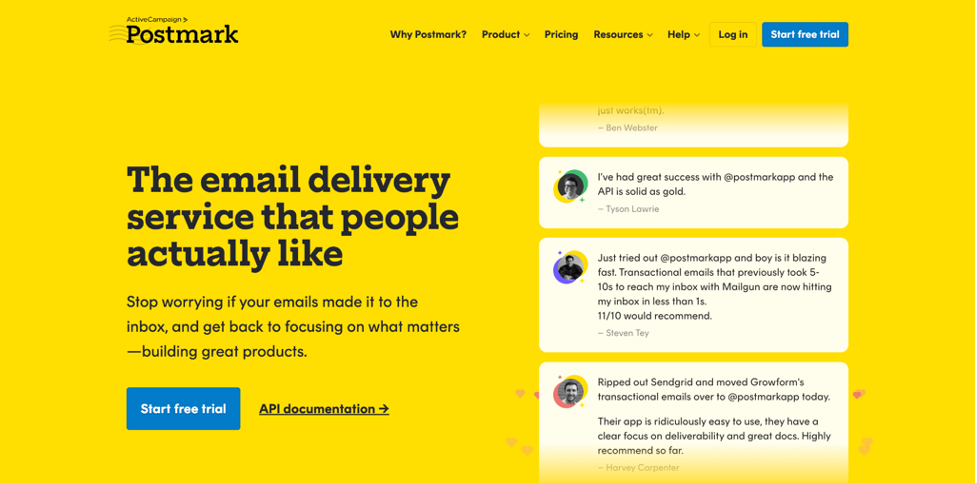
Postmark is a transactional email service focused on inbox placement and reliable delivery. Postmark offers both SMTP and API integration options, with libraries available for various programming languages. Postmark and Mailtrap have the highest inbox placement rates.
Inbox placement: 83.3%
Key features:
- Message Streams: separate infrastructure, reputation, and metrics for transactional and broadcast traffic
- Dedicated IPs with structured warm-up
- Thorough bounce management; every bounce processed, categorized, and suppressed automatically
- Delivery timelines and per-stream reporting are included on all plans
- Full tracking of opens, clicks, bounces, and complaints; no add-on required
- Official client libraries for most major languages
Pros:
- Message Streams architecture fully protects transactional reputation
- Analytics and bounce management are included at no extra cost
- Clean, fast onboarding; five to ten minutes to first send
Cons:
- More expensive on a higher scale, compared to the alternatives
- No permanent free tier
- Not suitable if you need a marketing email on the same platform
Pricing
Pricing starts at $15 per month for 10,000 emails. At scale, 100,000 emails cost approximately $115-138 per month, which is a higher price compared to all alternatives. All core features are included across tiers, with pricing based on volume.
How to choose a transactional ESP
The right choice depends on your constraints.
If you want strong deliverability, good analytics, and a clean developer experience without assembling multiple tools, Mailtrap is worth a serious look. It covers sending and monitoring in one place, with no add-ons required to get the full picture.
If cost per email is the top priority and you are already on AWS, choose Amazon SES. Nothing else comes close at $0.10 per 1,000 emails. Be honest about the engineering time you will spend managing deliverability yourself.
If you need fine-grained infrastructure control and built-in email validation, choose Mailgun. Factor in the Optimize add-on if inbox placement testing matters to you.
If inbox placement is the overriding priority, choose Postmark. It is built specifically for that, and the numbers bear it out.
Deliverability best practices
No platform solves deliverability on its own. Teams on solid infrastructure still land in spam when they skip the fundamentals.
- Authenticate your domain first. SPF, DKIM, and DMARC are not optional. One misconfigured record can quietly suppress your placement rates with no visible error on your end.
- Warm up new IPs gradually. Build volume over two to four weeks, starting with your most engaged recipients. There is no shortcut to reputation.
- Handle bounces immediately. Suppress hard bounces after the first occurrence. Repeatedly hitting invalid addresses is one of the fastest ways to damage your sender score.
- Monitor continuously, not reactively. Bounce rates, complaint rates, and inbox placement; these need to be part of your regular routine. Problems caught early are problems solved before they compound. Some teams use inbox placement testing tools such as GlockApps to simulate delivery across major mailbox providers and detect issues before sending campaigns.
- Keep transactional and marketing traffic separate. Your password reset emails should never share infrastructure with a bulk campaign. The reputation exposure is not worth it.
FAQ
Look for platforms that automate authentication, provide built-in analytics, and separate transactional and bulk sending streams. If you need strong deliverability, built-in analytics, and support for both transactional and marketing email in one place, Mailtrap covers all of that without add-ons. Postmark is the closest alternative, but it costs more, has no free tier, and does not support marketing email. Mailgun offers more infrastructure control and built-in email validation, though some deliverability tools require paid add-ons. The best choice depends on whether you prioritize minimal setup, infrastructure control, or cost efficiency.
At the core, both are just ways to send email. SMTP is the base protocol that email is built on. A transactional email API is a layer on top of that, adding template management, analytics, webhook tracking, and a cleaner developer interface. All transactional email services provide both options. The choice comes down to what your stack already handles and how much control you want over the sending workflow.
Not necessarily. For many teams, a shared IP pool is the right starting point. When a provider manages the pool properly, with strict sender standards and good suppression practices, shared IPs perform well. The risk is that other senders on the same pool can affect your placement rates, something purpose-built transactional email providers mitigate through tight policies. Dedicated IPs become important at higher volumes or when you need full control over sender reputation. If you go that route, make sure your provider offers a structured warm-up process rather than just handing you an IP.
Related Posts

A transactional email is an automated email message triggered by a specific user behaviour on a website or in an Read more

Understanding email deliverability is essential regardless of the types of email communications you send or the size of your target Read more

Email marketing remains one of the most reliable and cost-effective digital marketing channels. For beginners, however, the biggest challenge is Read more

Businesses can hardly do without automation in today's competitive market, as it is not only useful but essential. If you Read more