Email Deliverability
Microsoft SNDS Guide: IP Reputation and Outlook Deliverability
 Written by Tanya Tarasenko
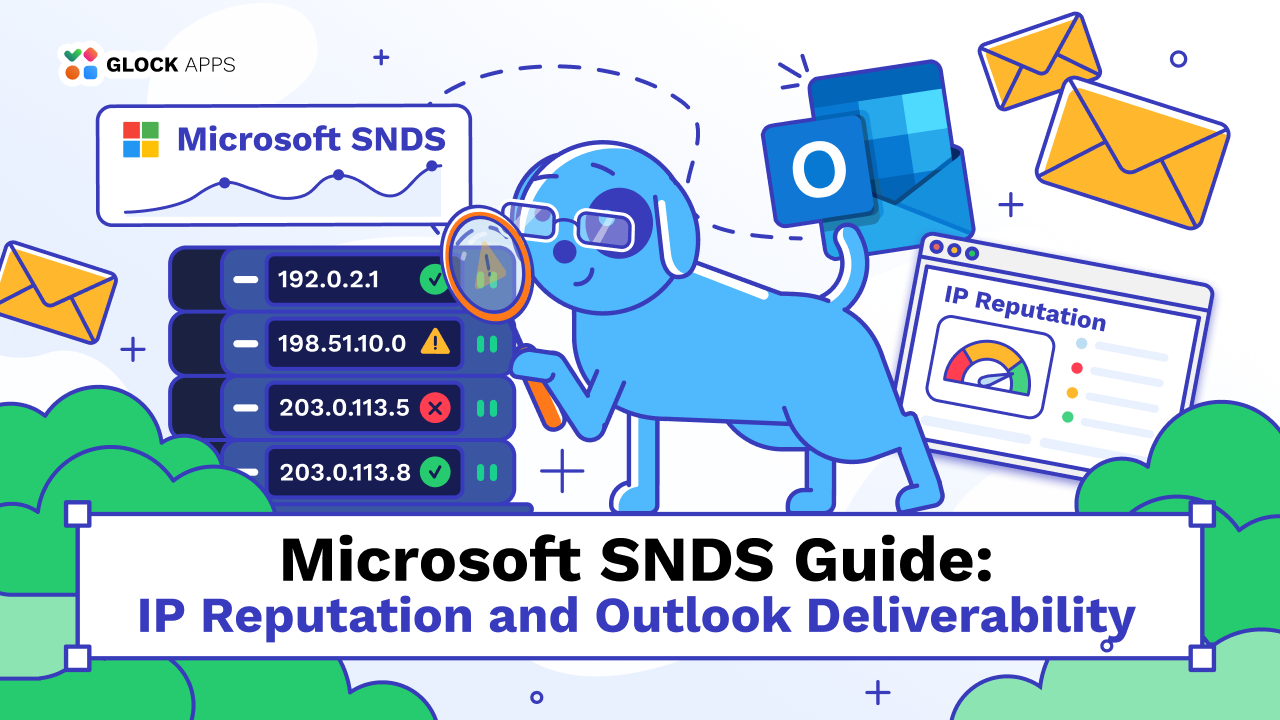
Your email platform says “delivered,” but Outlook subscribers keep finding your campaigns in Junk. Microsoft SNDS can help you investigate by showing traffic and filtering data for your sending IPs. The challenge is reading that data correctly: a green result is useful, but it does not prove that a campaign reached the inbox.
What Is a DNS TXT Record and Why It Matters for Email Deliverability
Written by Tanya Tarasenko
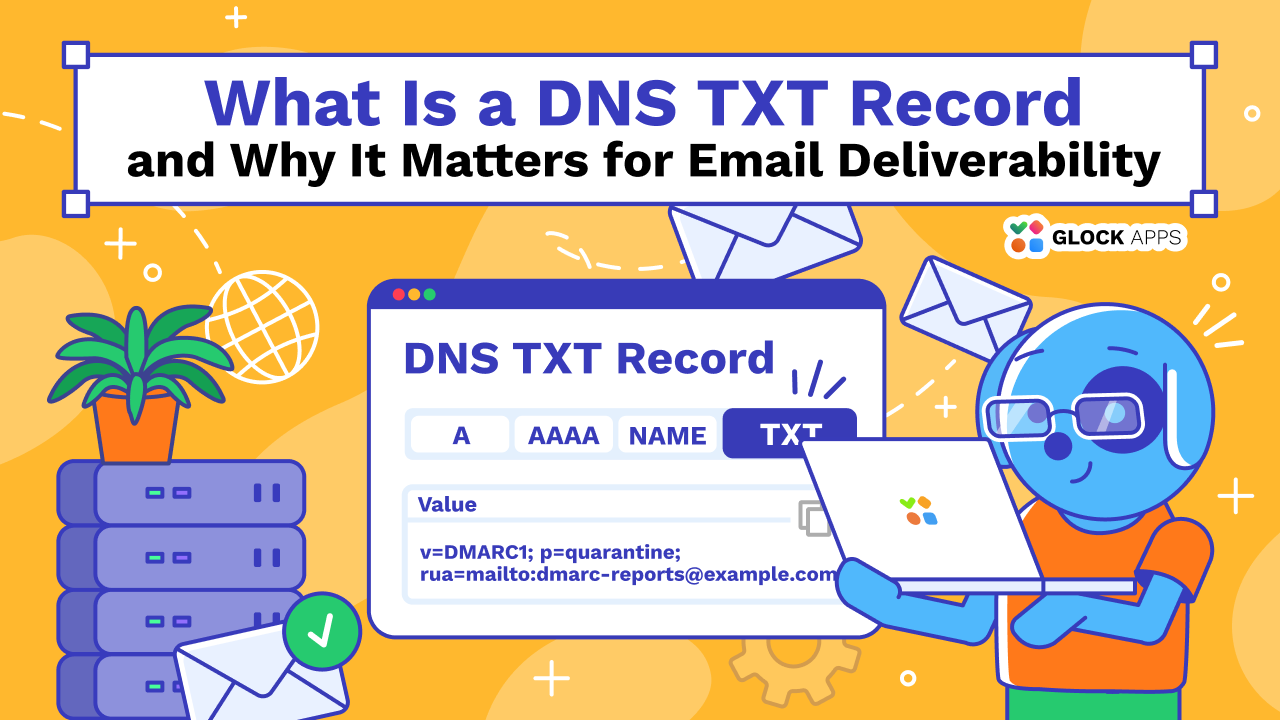
A DNS TXT record holds text that anyone can look up for your domain. For email senders, that text carries real weight: SPF, DKIM, and DMARC are all published as TXT records, and mailbox providers read them to decide whether a message from your domain is genuine. One wrong character in these records can send legitimate mail to spam.
Images and Email Deliverability: When Visuals Send You to Spam
Written by Tanya Tarasenko

Images make an email feel like a brand rather than a plain text message. They also make plenty of senders nervous. Ask around, and you’ll hear that images send mail to spam, that you need a strict 60/40 text-to-image ratio, or that one large banner can sink a whole campaign.
DKIM Key Rotation: How to Do It Without Hurting Deliverability
Written by Tanya Tarasenko
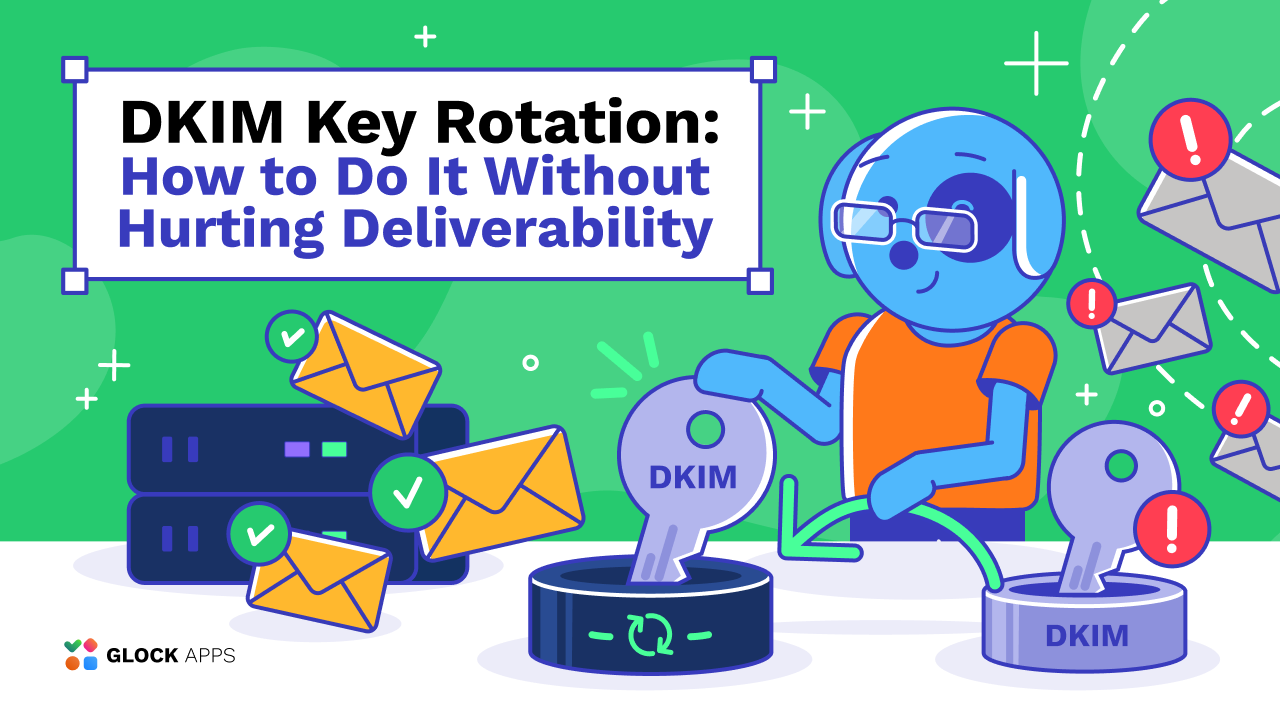
Most teams set up DKIM once, see dkim=pass in a test message, and never think about it again. That works fine until a private key leaks, a former vendor still holds a copy, or a security audit asks when the key was last changed and nobody can answer.
How AI Spam Filters Decide Which Emails Reach the Inbox
Written by Tanya Tarasenko

Spam filters have changed a lot. They no longer look only for suspicious words, bad links, or known spam IPs. Gmail, Outlook, Yahoo, and other mailbox providers use machine learning together with sender reputation, authentication, sending behavior, message content, and recipient activity.
Transactional vs. Marketing Email: Should You Use One Dedicated IP or Two?
Written by Tanya Tarasenko
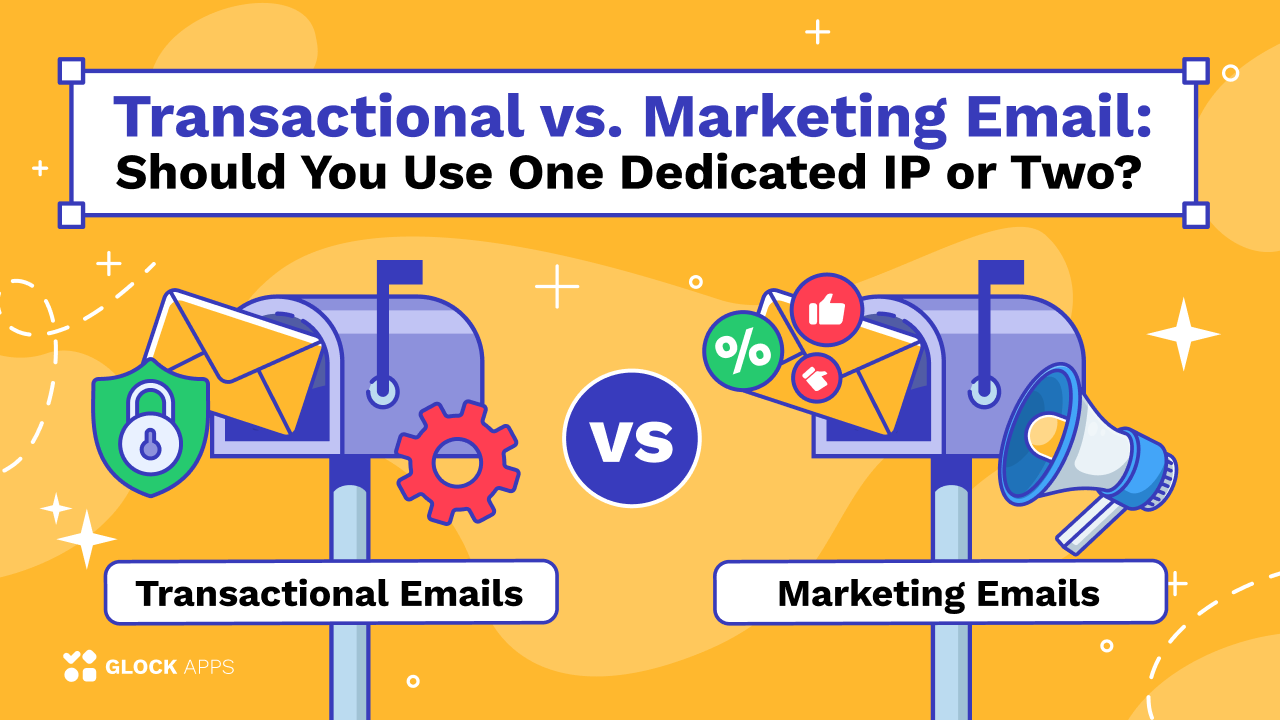
Transactional emails and marketing campaigns serve very different purposes, but they often run through the same email infrastructure. That raises an important deliverability question: can transactional and marketing emails share the same dedicated IP address?
Best Email MCP Servers for AI Agents: 8 Official Options Compared
Written by Tanya Tarasenko

An AI agent can draft an email without connecting to your email platform. Sending it, checking customer context, or testing where it lands requires access to the right tools.
Email Throttling vs Deferral vs Rejection: A Guide to SMTP Bounces
Written by Tanya Tarasenko
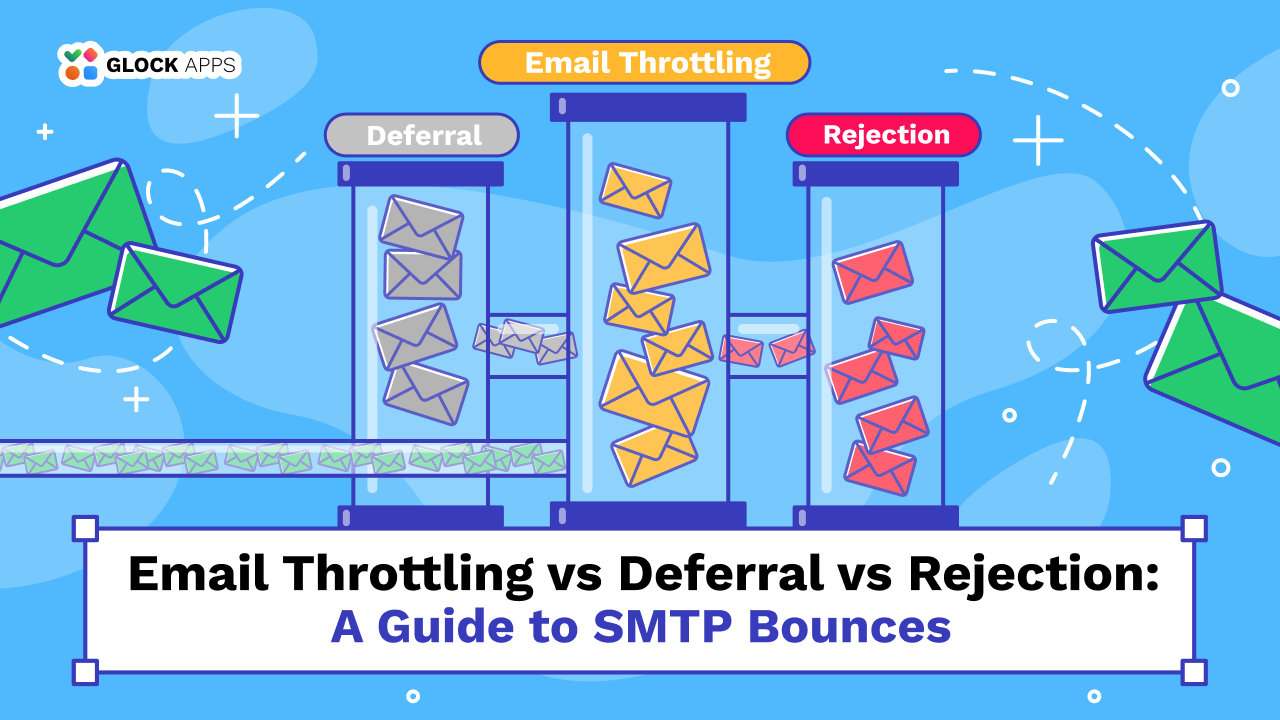
Your email campaign goes out, but some messages arrive hours late while others bounce immediately. What happened?
Can One Bad Email Campaign Hurt Your Sender Reputation?
Written by Tanya Tarasenko
One poorly performing email campaign can do more than hurt opens or conversions. If it generates a spike in spam complaints, bounces, or other negative signals, it may also affect how mailbox providers treat your future emails.
Most Accurate Email Deliverability Tools for Reliable Inbox Testing
Written by Tanya Tarasenko

Email deliverability tools help you understand what happens after you hit Send. But not every tool measures the same thing. Some test actual inbox placement, while others provide reputation, complaint, authentication, or delivery data from a specific mailbox provider.