
Klaviyo is a powerful email marketing platform designed specifically for e‑commerce and growth‑focused businesses, offering deep behavioral tracking and automation alongside its core Klaviyo integration capabilities. It is widely used for creating personalized, behavior-driven email campaigns based on customer actions and purchase data.
Automated GlockApps Integration with Klaviyo
At GlockApps, we offer a direct Klaviyo integration that makes it possible to run deliverability tests without manually creating and uploading a GlockApps seed list in Klaviyo.
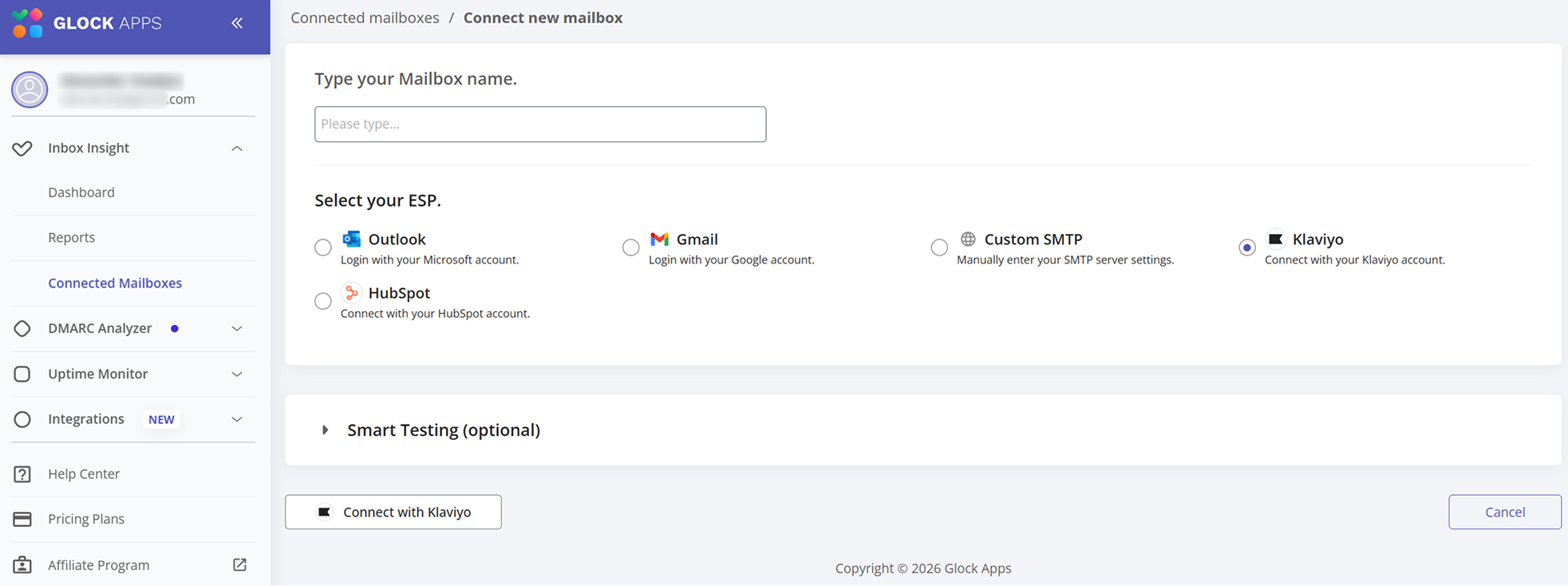
To connect your Klaviyo account, go to Connected Mailboxes in GlockApps and click “Connect New Mailbox”.
Enter a name for the account — it can be any name that helps you recognize the connected mailbox on the list.
Next, select Klaviyo from the available ESP options, and click “Connect with Klaviyo“.
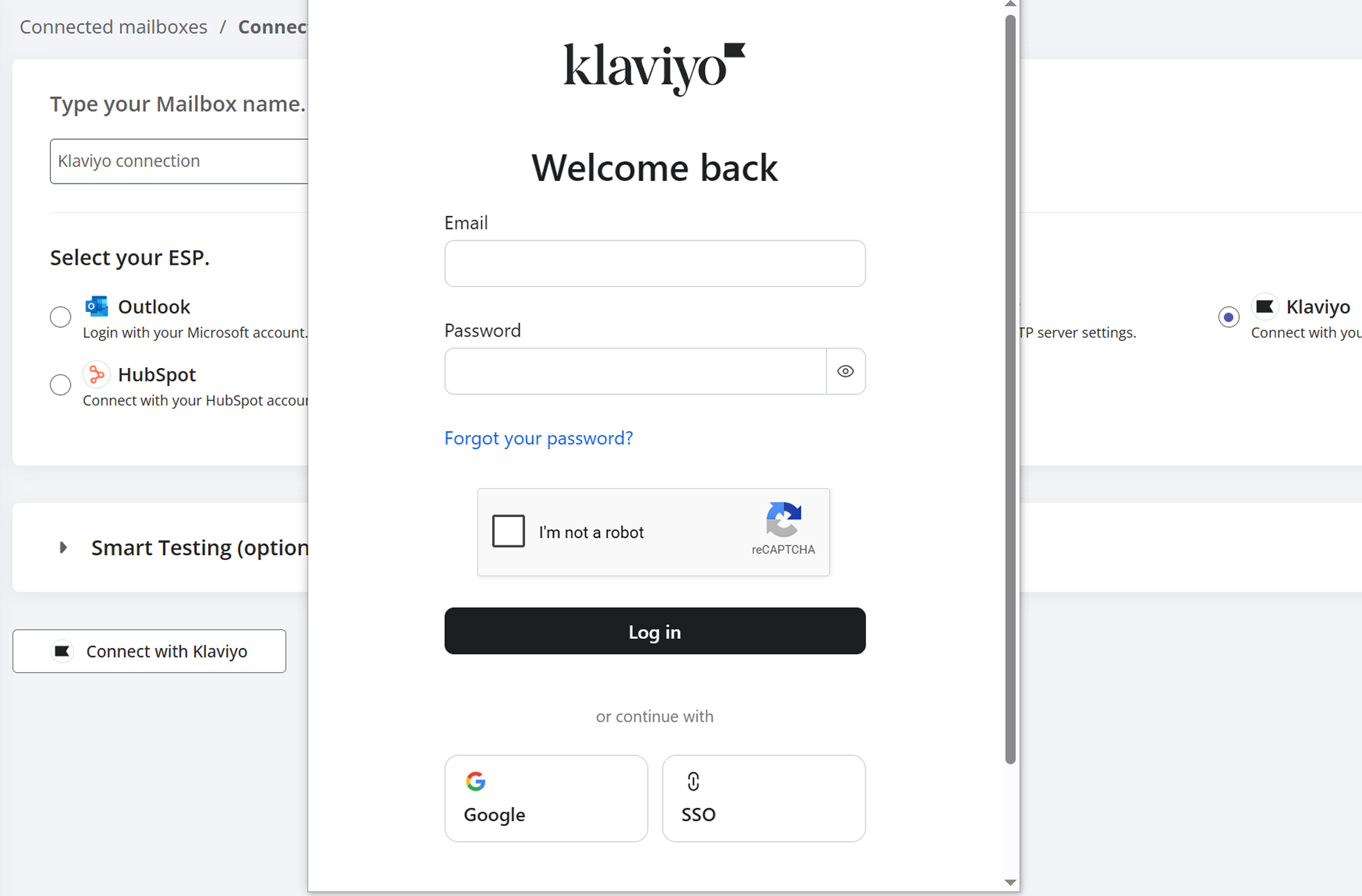
A Klaviyo login window will open. Sign in to the Klaviyo account you want to connect.
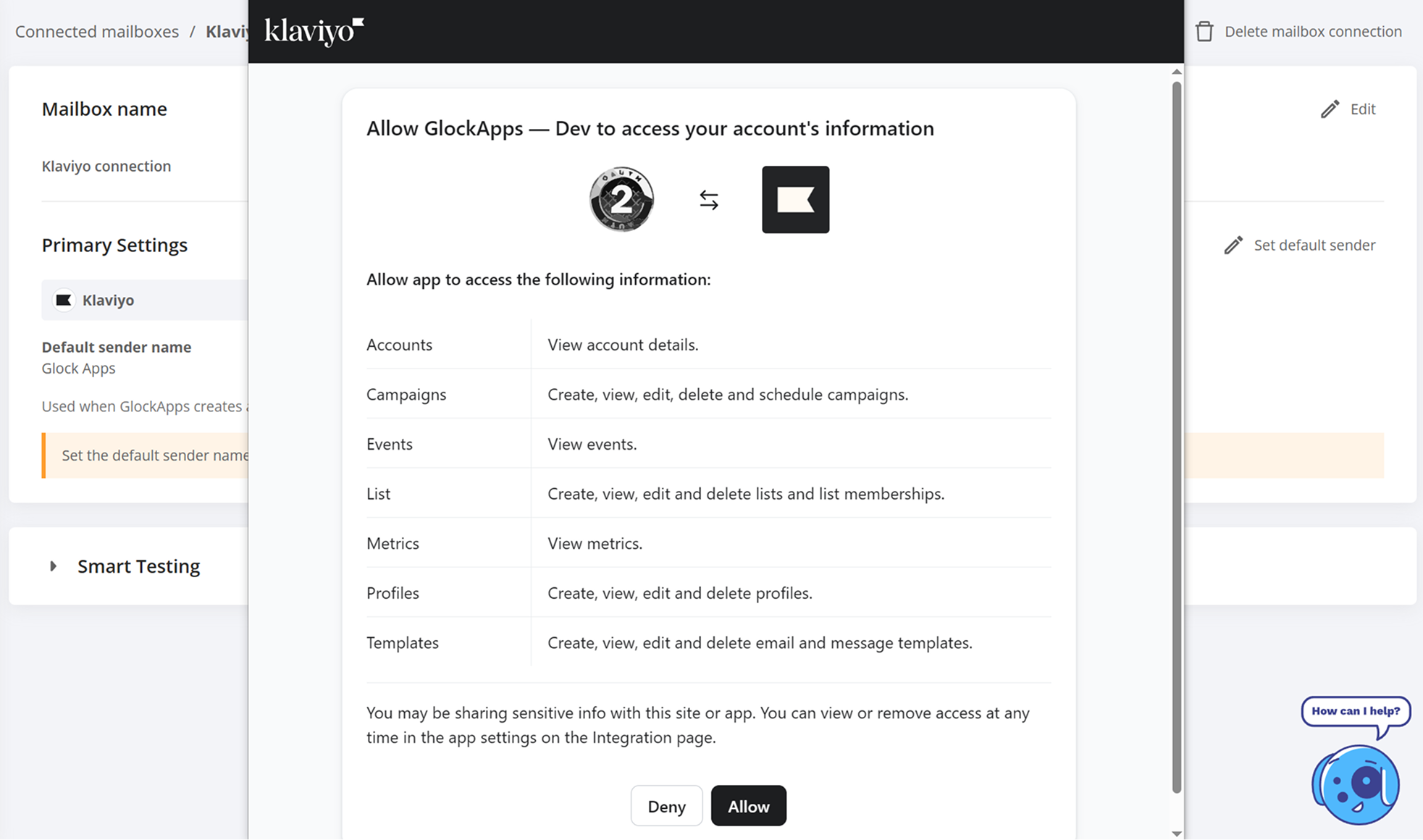
Next, review the permissions requested by GlockApps and click Allow to authorize the integration.
Once the connection is complete, the Klaviyo account can be used for both manual spam tests and automatic tests directly from GlockApps.
For more details, read this tutorial: How to Test the Deliverability of Your Klaviyo Campaign Using GlockApps Seed List